

When to Send a Google Review Request: How to Choose the Right Delay
Knowing when to send a Google review request comes down to one question: has the customer had enough of the experience to give useful, honest feedback? Ask before the service is complete or before an order arrives, and the request feels premature. Wait too long, and the details that made the interaction memorable can fade.
For many businesses, a 24-hour delay is a strong starting point. It keeps the experience fresh without placing the review request directly on top of the original email. But the right delay depends on what the customer bought, how the transaction ends, and whether they need time to use the product or see the outcome.
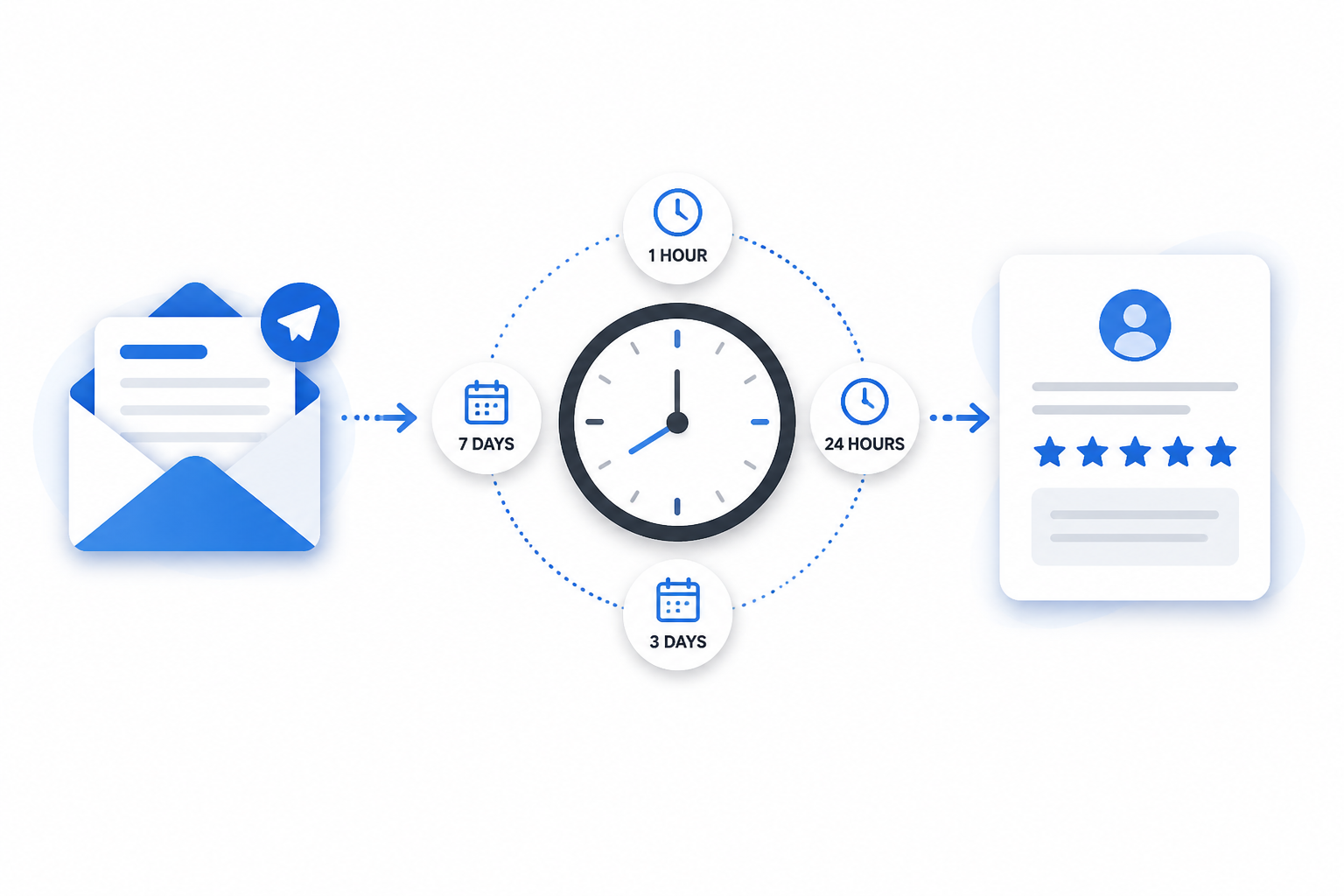
At Revilope, we let you set a follow-up delay for each business, then send a separate branded Google review request after an eligible customer email is BCC’d to your private Revilope address. Our available delay options are 1 hour, 4 hours, 12 hours, 24 hours, 2 days, 3 days, and 7 days. The goal is not to find one universally perfect setting. It is to match the delay to the point where a customer can genuinely reflect on their experience.
Start with the customer’s actual reviewable moment
The clock should usually begin when the customer has received the value they are evaluating, not when they first pay, place an order, or make an inquiry.
- Completed services: The reviewable moment is usually when the appointment, repair, consultation, installation, or project is complete.
- Shipped or delivered products: Delivery confirmation is often a better trigger than an order confirmation because the customer has not received the item at checkout.
- Digital products or subscriptions: Allow enough time for the customer to access and use the product before asking for feedback.
- Support interactions: Send after the issue is resolved, not after the first reply. A closed ticket does not always mean the customer has confirmed the solution works.
- In-person purchases: The right timing depends on whether the customer can assess the experience immediately or needs time with the product.
A review request should feel like a natural follow-up to a completed customer interaction. If the request makes a customer think, “I have not even received this yet,” the delay is too short or the original trigger email is too early.
How to choose a Google review request delay
Use the timing guide below as a practical framework. These are general recommendations, not a substitute for considering your own customer journey.
| Delay | Best suited to | Main advantage | Watch for |
|---|---|---|---|
| 1 to 4 hours | Clearly completed, same-day interactions | The experience is highly memorable | It can feel rushed if the customer is still traveling, busy, or waiting for a final outcome. |
| 12 to 24 hours | Most completed services, appointments, and straightforward purchases | Provides breathing room while the details are still fresh | Make sure the original email truly signals completion, not a pending next step. |
| 2 to 3 days | Products or services that need brief use, setup, or reflection | Customers have time to form a more informed opinion | Do not use this delay simply to avoid asking promptly when the experience was already complete. |
| 7 days | Experiences with a longer evaluation period | Allows time for results, repeat use, or post-delivery assessment | The original interaction may be less vivid, especially for routine transactions. |
When a same-day request makes sense
A short delay can work well when the customer has already received the full service and can judge it right away. Think of a completed appointment, a finished repair with a clear handoff, or an event where the customer has just experienced the outcome.
Even then, immediate does not always mean instant. A one- to four-hour delay often feels less automated than a request that arrives at the same moment as a receipt or completion notice. It also gives the customer time to get home, finish their day, or review any information you have sent them.
Use short delays carefully for interactions that could still require follow-up. If a customer needs to test a repair, receive a final deliverable, or wait for an item to arrive, asking on the same day can create a mismatch between the request and their experience.
Why 24 hours is a practical default for many businesses
A 24-hour delay is often the best middle ground. The customer remembers the interaction, but the request is no longer competing directly with the invoice, receipt, thank-you note, or completion email. It also gives a customer who has a question or concern time to reply to your business first.
That is why we identify 24 hours as a practical starting point in our setup guidance. It is especially useful for businesses that send a normal email after a completed service, order completion, or customer support interaction. After you establish a baseline, review your workflow and adjust if the request is consistently arriving before customers have had time to evaluate what they received.
When to wait two to seven days
Longer delays are appropriate when the value of the purchase emerges after the transaction. A delivered product may need to be opened, installed, or used a few times. A service may have a final outcome that is clearer after a short period. In these cases, a request sent two or three days later can produce feedback that is more specific and useful.
A seven-day delay is better reserved for experiences that genuinely need a longer evaluation window. It is not automatically more considerate. For a simple, fully completed interaction, waiting a full week can make the request feel disconnected from the original purchase.
One helpful test is this: if the customer received the request today, could they describe what went well or what needs improvement without searching their inbox or trying to remember the transaction? If not, either the request is too late or the reviewable moment occurred later than you assumed.
Match the trigger email to the right stage
The delay is only half of the decision. The email you use to trigger the request matters just as much. With our BCC review-request workflow, you add your private Revilope address to a normal customer email, and we schedule the separate review request using your saved delay.
Choose an email that represents a meaningful completion point. Common examples include a receipt after an in-person transaction, a completed-service notice, an order-completion message, a project handoff, or a support follow-up after resolution. An initial inquiry, booking confirmation, payment reminder, or shipping notification is usually too early unless it also confirms that the customer has received the full experience.
For a business that sells physical goods, the workflow might be:
- Send the order confirmation without triggering a review request.
- Wait until delivery or fulfillment is confirmed.
- Send a useful delivery or completion email to the customer.
- BCC Revilope on that email and apply a delay that gives the customer time to use the item.
For a completed appointment, the completion or thank-you email may be the appropriate trigger, followed by a 12- or 24-hour delay. The exact sequence should reflect when the customer can honestly assess the experience.
Avoid the two common timing mistakes
Sending before the customer has received the value
This is the most common mistake for product-based businesses and projects with multiple stages. An invoice paid, an order placed, or an appointment booked is not necessarily an experience worth reviewing yet. Use a later operational milestone, such as completed delivery, completion, or resolved support, as the trigger.
Waiting until the interaction loses context
A delayed request should give customers time, not erase the connection to their experience. Long delays can reduce the chance that customers remember the details, particularly for routine or low-involvement purchases. If your customers can assess the experience promptly, a shorter delay is generally more appropriate.
Use manual requests for customers outside the email workflow
Not every eligible customer receives a normal email from your business. In-person transactions, phone orders, older customer records, and customers from another booking system may need a different approach. Revilope also supports manual review requests from the dashboard. You can enter one or more customer email addresses and choose to send the request as soon as possible or use your business’s saved delay.
Manual requests are most effective when you still apply the same timing principle: contact customers after a reviewable interaction, while their experience is recent. Sending a large batch to customers whose transactions happened months ago may be less relevant than sending a smaller, timely set after recent completed interactions.
Set a delay, test it, and monitor the workflow
Once you choose a starting delay, test the complete experience from the customer’s perspective. Confirm that your Google review link opens the right business profile, the message is recognizable, and the request arrives at a sensible point after the original email. A clear template should thank the customer, invite honest feedback, and give them one straightforward action to take.
We also recommend checking request activity rather than assuming every original email created a request. Our dashboard shows statuses such as scheduled, sending, sent, failed, cancelled, skipped as a duplicate, and rejected. This is useful for spotting workflow issues, such as using an email address that has not been verified as an authorized sender.
Customers can unsubscribe from review requests. When someone unsubscribes, Revilope suppresses future requests for that business and cancels requests that are still waiting to be sent. Respecting that choice keeps the workflow focused on customers who are open to receiving the follow-up.
Final timing checklist
- Have customers received the product, completed service, or resolved support outcome?
- Do they need time to use, install, test, or reflect on it?
- Will the request arrive separately from high-priority transactional messages?
- Is the original BCC-triggering email sent from an authorized, verified sender?
- Does your review link lead directly to the correct Google Business Profile?
- Does your message ask for honest feedback without requesting a particular rating?
The best time to ask is shortly after the customer can fairly evaluate the experience. Start with 24 hours for most completed interactions, shorten the delay for immediate outcomes, and extend it only when customers need real time with what they received.
Start Sending Free to set up a review-request workflow that fits the emails your business already sends.