

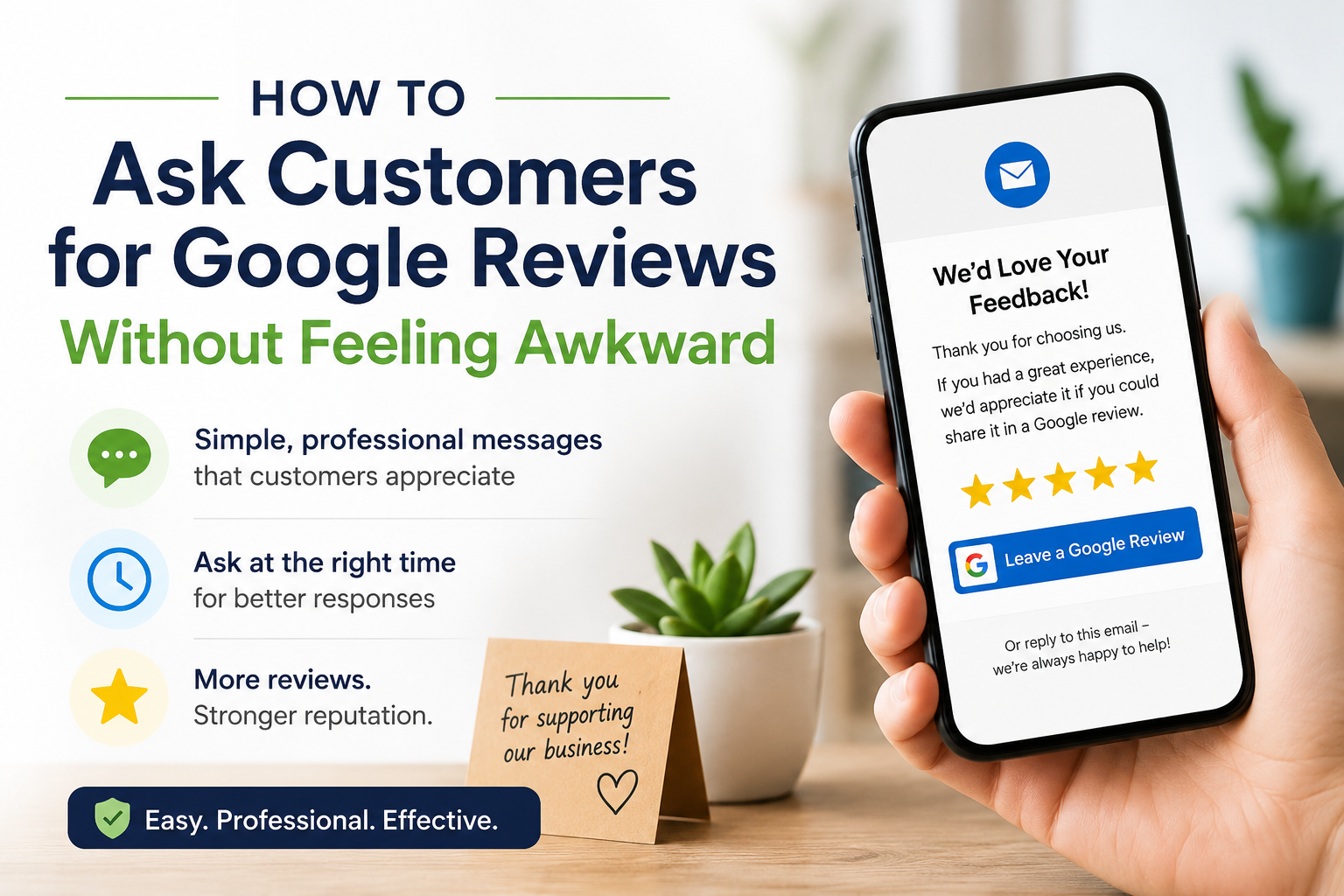
How to Ask Customers for Google Reviews Without Feeling Awkward
Asking a customer to leave a Google review should be simple. Yet for many business owners, it can feel uncomfortable.
You do not want to sound desperate. You do not want the customer to feel pressured. You may also be unsure what to say, when to ask or whether following up will make the request feel even more awkward.
The good news is that asking for a Google review does not need to feel like asking for a personal favour.
The easiest approach is to make review requests a normal part of your customer communication. Keep the message short, send it at the right time and give the customer a direct link to your Google review page.
With a simple process in place, you can ask customers for reviews professionally and consistently without repeatedly writing awkward follow-up emails.
Why Asking for Google Reviews Can Feel Awkward
Most customers already understand that reviews are valuable to businesses. The awkwardness usually comes from how the request is presented.
A review request can feel uncomfortable when:
-
It is made unexpectedly during an in-person conversation
-
The business owner asks for a five-star review specifically
-
The customer feels pressured to respond immediately
-
The request is too long or overly emotional
-
The business repeatedly follows up
-
The request sounds like a personal favour rather than a normal business process
Business owners can also overthink the wording.
You might spend several minutes trying to write the perfect message, only to decide that it sounds too formal, too casual or too pushy. By the time you are satisfied, the opportunity to ask may have passed.
A better approach is to use a short, repeatable message and send it as part of a consistent follow-up process.
How to Politely Ask a Customer for a Google Review
A polite Google review request only needs three basic elements:
-
Thank the customer for choosing your business.
-
Invite them to share their experience.
-
Provide a direct link to your Google review page.
For example:
Thank you for choosing our business. We would appreciate hearing about your experience. You can leave us a Google review using the link below.
This wording is polite because it invites the customer to respond without telling them what rating to leave.
It also keeps the focus on their experience rather than on how badly the business wants another review.
You can make the message slightly more personal by mentioning the service they received:
Thank you for choosing us for your recent landscaping project. We hope you are enjoying the finished result. When you have a moment, we would appreciate it if you shared your experience in a Google review.
The message is warm, professional and easy to understand.
What to Say When Asking for a Google Review
You do not need to explain your entire review strategy to the customer.
A short request is usually more effective than a long message describing how reviews support your business.
Here are a few Google review request examples for different situations.
Simple Google Review Request
Thank you for choosing our business. We would appreciate hearing about your experience. You can leave us a Google review using the link below.
Friendly Google Review Request
Thanks again for choosing us. We hope you had a great experience. When you have a moment, we would love to hear your feedback on Google.
Professional Google Review Request
Thank you for the opportunity to assist you. Your feedback helps us continue improving our service. You can share your experience by leaving a Google review using the link below.
Google Review Request After Completing a Service
Your service has now been completed. Thank you for trusting our team. We would appreciate it if you took a moment to share your experience in a Google review.
Google Review Request After an Appointment
Thank you for visiting us today. We hope everything went smoothly. When you have a moment, please consider sharing your experience on Google.
Google Review Request After Positive Feedback
We are glad to hear that you were happy with your experience. Thank you for your kind feedback. You are also welcome to share your experience in a Google review using the link below.
Each example is direct without being demanding. The customer is given a clear opportunity to respond, but the decision remains entirely theirs.
How to Ask for a Google Review Without Being Pushy
The difference between a professional review request and a pushy one usually comes down to tone.
Avoid wording such as:
-
Please give us a five-star review
-
We need more reviews
-
It would really help me personally
-
Do not forget to leave your review
-
We will follow up until you respond
Instead, use language that gives the customer a choice:
-
We would appreciate your feedback
-
When you have a moment
-
You are welcome to share your experience
-
Please consider leaving a review
-
We would love to hear how everything went
You should also avoid making the message unnecessarily urgent.
A customer should not feel that they need to stop what they are doing and write a review immediately. Email works well because the customer can open the message and respond when it is convenient.
When Is the Best Time to Ask for a Google Review?
The best time to ask for a Google review is after the customer has received enough value to evaluate their experience.
That moment will be different for every business.
Good opportunities include:
-
After completing a service
-
After delivering a finished product
-
After a customer appointment
-
After resolving a support request
-
After sending a final receipt or invoice
-
After completing an installation
-
After the customer has provided positive feedback
-
After confirming that the customer is satisfied
The request should be sent while the experience is still recent.
However, sending it immediately may not always make sense. A customer may need time to use the product, inspect the completed work or see the results of the service.
A restaurant may ask the following day. A contractor may wait a few days. A business that sells a product may give the customer enough time to try it before requesting feedback.
The goal is to make the timing feel natural.
Ask Through a Channel You Already Use
The request is less likely to feel awkward when it arrives through a communication channel the customer already recognizes.
For many businesses, that channel is email.
You may already email customers to send:
-
Appointment confirmations
-
Invoices
-
Receipts
-
Project updates
-
Thank-you messages
-
Completed service notices
-
Answers to customer questions
Instead of introducing an entirely new process, you can connect the review request to one of those existing emails.
This makes review requests feel like a normal part of your customer service workflow rather than a separate sales tactic.
The Easiest Way to Ask by Email
One of the simplest ways to avoid awkward review requests is to automate the follow-up.
With Revilope, you continue sending customer emails from the email account you already use. When you want a customer to receive a review request, you add your private Revilope email address to the BCC field.
Revilope then schedules a separate review request to be sent after your selected delay.
The process works like this:
-
Write your normal customer email.
-
Add your private Revilope address to BCC.
-
Send the email as usual.
-
Revilope schedules the follow-up.
-
The customer receives a separate Google review request.
You do not need to ask for the review directly in your original email.
For example, your normal customer message might say:
Hi Michael,
Thank you for choosing our company. Your project has now been completed. Please let us know if you have any questions.
Revilope can then send a separate review request later.
This separation helps the original customer email remain natural while still ensuring that the review request is not forgotten.
Why the BCC Process Feels More Natural
The awkward part of asking for reviews often comes from having to remember and personally write every request.
The Revilope BCC process removes most of that friction.
You do not need to:
-
Write a new message for every customer
-
Copy and paste your Google review link repeatedly
-
Set calendar reminders to follow up
-
Upload customer spreadsheets
-
Manage a complicated CRM
-
Switch to another platform every time you send a request
You send your regular email, add Revilope to BCC and continue with your day.
The customer receives a professional follow-up message without seeing your private Revilope address in the original email.
Save Your Revilope Address as a Contact
To make the process even easier, save your private Revilope BCC address as a contact in your email account.
You could name the contact:
Revilope Review Request
If you manage multiple businesses or locations, use a more specific name:
-
Revilope – Downtown Location
-
Revilope – Landscaping Business
-
Revilope – Dental Office
-
Revilope – Main Google Profile
Whenever you send an appropriate customer email, begin typing the saved contact name in the BCC field.
This turns asking for reviews into a small step within a process you already follow.
Should You Ask Every Customer for a Review?
A consistent review request process is usually easier to manage than deciding which customers should receive one.
Instead of trying to predict who will leave a positive review, give customers the same professional opportunity to share their experience.
The message should not tell customers what rating to provide. It should simply invite honest feedback.
Revilope review requests can also give customers the option to reply privately if there is something they would rather discuss directly with the business.
This keeps the request open and customer-focused.
How Often Should You Ask?
For most ordinary customer interactions, one clear request is enough.
Repeatedly emailing a customer about the same review can quickly become irritating. It may also make the request feel more important to the business than the customer’s actual experience.
A good review request should be:
-
Easy to recognize
-
Easy to act on
-
Easy to ignore if the customer is not interested
The goal is to create a convenient opportunity, not to chase the customer until they respond.
Common Mistakes That Make Review Requests Uncomfortable
Asking for a Five-Star Review
Ask customers to share their experience rather than requesting a particular rating.
The customer should decide what feedback they want to provide.
Making the Message Too Long
A customer does not need several paragraphs explaining why reviews matter.
A short thank-you and a direct link are usually enough.
Asking Too Early
Wait until the customer has had a reasonable opportunity to evaluate the service or product.
Making It About the Business Owner
Avoid emotional language that makes the customer feel personally responsible for supporting you.
Keep the request professional.
Forgetting the Review Link
Do not make customers search for your business on Google.
Send them directly to the correct place to leave their review.
Asking Inconsistently
When review requests depend entirely on memory, they are often only sent during quiet periods.
A repeatable process helps ensure that asking for feedback does not disappear when business becomes busy.
Turn Review Requests Into a Normal Business Process
Asking for Google reviews becomes much easier when it no longer feels like a special event.
Your team should not need to invent new wording or decide how to approach every customer individually.
Create one professional template, choose an appropriate delay and make the request part of your normal follow-up process.
For businesses using Revilope, the routine can be as simple as:
Send the customer email. Add Revilope to BCC. Let Revilope handle the review request.
That is easier to teach employees, easier to remember and easier to use consistently.
Start Asking for Reviews Without the Awkwardness
You do not need a clever sales pitch to ask customers for Google reviews.
Thank the customer, invite honest feedback and give them a direct way to respond. Keep the request short and send it after they have had time to evaluate their experience.
Most importantly, create a process that does not depend on remembering to write a separate follow-up every time.
Revilope lets you schedule professional review requests while sending the customer emails you already send.
Simply BCC your private Revilope address and the follow-up is handled automatically.
You can create your Revilope account or view Revilope plans and pricing to choose the option that fits your business.