

Why Verify Authorized Senders for Automated Google Review Requests?
Authorized sender verification for Google review requests helps keep automated outreach tied to the people and inboxes your business has approved. Before a customer email can trigger a delayed review request, you need confidence that the sender is a legitimate part of your workflow. This protects against accidental triggers from shared inboxes, former team members, forwarded messages, or an address that was added without the right internal approval.
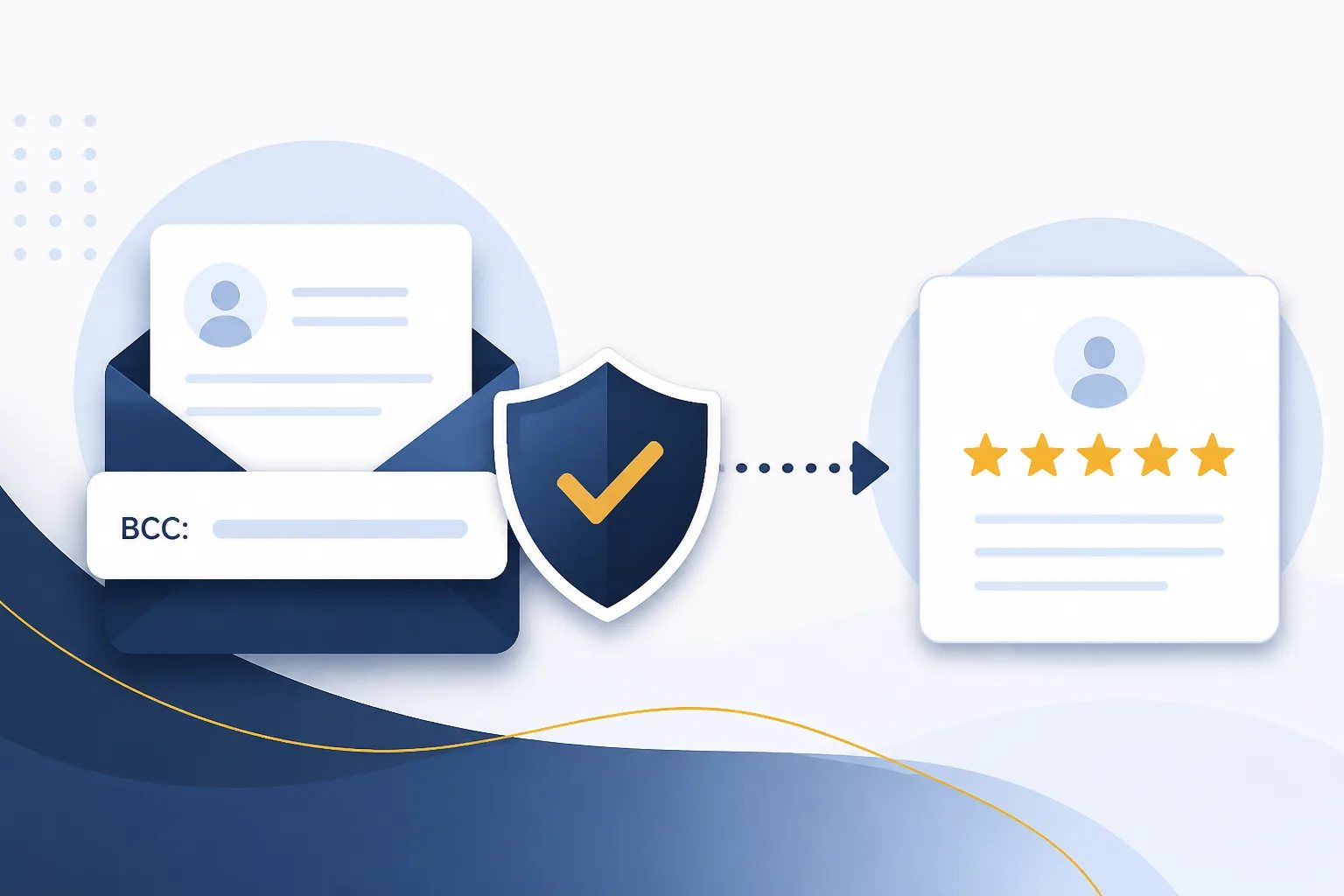
At Revilope, we include authorized sender verification as part of our review-request automation. Our workflow is built around a private Revilope address that you BCC on eligible customer emails, so sender control is a practical part of keeping that process deliberate and accountable.
What is an authorized sender in a review-request workflow?
An authorized sender is an email address that your business has approved to initiate a review-request action. In a BCC-based workflow, this matters because the outgoing customer email is the trigger. If a permitted address BCCs the private automation address, the system can recognize the action and schedule the review request according to the settings in use.
Authorized sender verification is different from email authentication, although both help create a more reliable email process:
- Authorized sender verification controls which individual or shared business email addresses are allowed to trigger an action in an application.
- Email authentication commonly refers to domain-level controls such as SPF, DKIM, and DMARC. These help receiving mail systems assess whether a message is legitimately associated with its claimed sending domain.
One does not replace the other. Domain authentication is about how email is identified and handled across mail systems. Authorized sender verification is about whether a particular address should be permitted to start a review-request workflow.
Why authorized sender verification matters for review requests
Review requests should follow a real customer interaction, not an internal test, an unrelated message, or an email sent by someone who no longer handles customers. When review-request automation relies on email activity, a clear sender list creates a useful boundary around the trigger.
It reduces accidental requests
Businesses often use more than one inbox: a general mailbox, individual staff accounts, a billing address, support inboxes, or temporary project addresses. Not every email from every inbox is an appropriate moment to request a review. Restricting who can trigger the workflow helps prevent an email from being added to the process simply because someone copied the automation address out of habit or during a test.
It keeps ownership clear
A documented list answers a simple operational question: who is allowed to initiate review requests? That is especially helpful when responsibilities are shared. A manager can decide which customer-facing roles are included, while staff members know which workflow applies to the emails they send.
It makes staff changes easier to manage
Access can become messy when an employee changes roles, leaves the business, or stops using a particular address. A sender list should be reviewed at the same time as email access and other customer-communication tools. Removing an address that no longer belongs in the process is more reliable than assuming old workflows will naturally stop being used.
It supports a more consistent customer experience
When only approved customer-facing emails start the automation, review outreach is less likely to be triggered after irrelevant correspondence. That gives your team a clearer opportunity to align requests with completed service, a resolved issue, a delivered order, or another genuine point of customer value.
How to verify authorized senders for Google review requests
The best approach is to decide who should be allowed to trigger a request before adding addresses to the workflow. Verification is not merely an administrative checkbox. It is a chance to define the customer emails that represent a meaningful completed interaction.
- List every inbox that sends customer communications. Include individual accounts, shared mailboxes, aliases, and any address used by a team or system. Do not assume that an alias has the same controls as the primary mailbox.
- Identify which messages should be eligible. Separate customer completion, follow-up, or delivery communications from invoices, internal notices, marketing campaigns, and support messages that do not indicate a suitable review-request moment.
- Assign an owner to each address. Someone should be responsible for confirming that the inbox is still active, customer-facing, and used in the way your workflow expects.
- Add only approved addresses through the platform’s sender-verification process. Follow the steps in the account setup rather than treating a copied BCC address as open permission for every inbox.
- Run a controlled test. Use a test scenario that does not involve a real customer, then confirm that the expected sender is recognized and that your schedule and template settings are correct.
- Review the list on a regular basis. Recheck it after staffing changes, email migrations, new shared inboxes, rebrands, or changes in how customers are served.
For an overview of the BCC-triggered process, see how Revilope works. The goal is not to approve every address your organization owns. It is to approve the addresses that should intentionally initiate review outreach.
Which email addresses should be approved?
There is no universal list. The right sender depends on where your business has a clear, appropriate customer touchpoint. An address is a stronger candidate when its messages consistently follow a completed interaction and its users understand when to include the review-request trigger.
Examples that can be appropriate in some businesses include:
- An individual service or account-management address used to send post-completion follow-ups.
- A shared customer-success inbox whose messages are sent after a defined handoff or resolution point.
- An order or delivery communication address, if it is used for genuine customer completion messages and the workflow is configured thoughtfully.
Addresses that deserve extra scrutiny include broad team inboxes, addresses used for internal communication, automated transactional mailboxes, and accounts shared with external contractors. These are not automatically unsuitable, but they can make it harder to know whether every triggered request reflects the intended customer experience.
Common authorization mistakes to avoid
Approving an entire domain without considering individual use
A company domain can contain dozens or hundreds of addresses. Those addresses may serve very different purposes. An approved sender list should reflect actual workflow roles, not just domain ownership.
Forgetting aliases and shared mailboxes
People may send from an alias or a shared address while using a personal inbox to read replies. If the visible sending address differs from the address your team expected to use, the trigger may not behave as intended. Inventory the address customers see, not only the mailbox behind it.
Leaving former staff accounts in place
Old addresses are easy to overlook, particularly where mail forwarding remains active. Remove or reassess them when roles change. This is basic workflow hygiene and avoids having review-request capability associated with an account that no longer needs it.
Using the same trigger for every type of email
A review request works best when it is connected to a relevant customer moment. Your team should not automatically BCC the private automation address on every reply. Define the communications that qualify and train users to recognize them.
Skipping the test after a change
Changes to email platforms, sending addresses, templates, or team responsibilities can affect a workflow in unexpected ways. A small controlled test after a change is easier than discovering a problem after customer messages have already been sent.
Build a simple sender-management routine
Sender verification remains useful only if the list stays current. A lightweight routine can keep it manageable:
- At setup: document approved addresses, their purpose, and the person responsible for each.
- When onboarding: explain which customer emails are eligible to trigger a request and which are not.
- When offboarding or changing roles: review whether the departing person’s address should remain authorized.
- When changing email systems: test the sender workflow before relying on it for live customer communication.
- Periodically: compare the sender list with the accounts your team actually uses.
It also helps to keep review-request content and timing consistent once the sender side is under control. Revilope supports custom review request email templates, scheduling, manual requests, activity tracking, and customer unsubscribe management. Those are separate decisions from authorization, but they work together: approved senders define who can start the workflow, while templates and scheduling shape what happens afterward.
Questions to answer before approving a sender
Use these questions to evaluate an address before adding it:
- Is this address used for genuine, customer-facing communication?
- Can we clearly identify the point at which a message from this inbox should trigger a review request?
- Who is accountable for how this address is used?
- Is the address individual, shared, forwarded, or an alias, and have we accounted for that setup?
- Would an unintended use of this inbox create an inappropriate or confusing customer request?
- Do we have a process to revisit authorization if the role, mailbox, or team changes?
If the answers are unclear, do not add the address yet. Clarifying the workflow first is usually simpler than cleaning up an overly broad authorization list later.
Keep automation intentional from the first email
Authorized sender verification is a practical control for any email-triggered review-request process. It helps you define which communications can start the workflow, reduce avoidable mistakes, and maintain clearer ownership as your business evolves. Once the right senders are approved, your team can use the BCC process with greater confidence that each request begins at an intentional customer touchpoint.
For a closer look at the workflow and account use, visit Using Revilope.
Set up a more controlled review-request workflow
Create a Revilope account to begin using BCC-triggered review requests with sender verification.