

How to Control Who Can Send Automated Review Requests
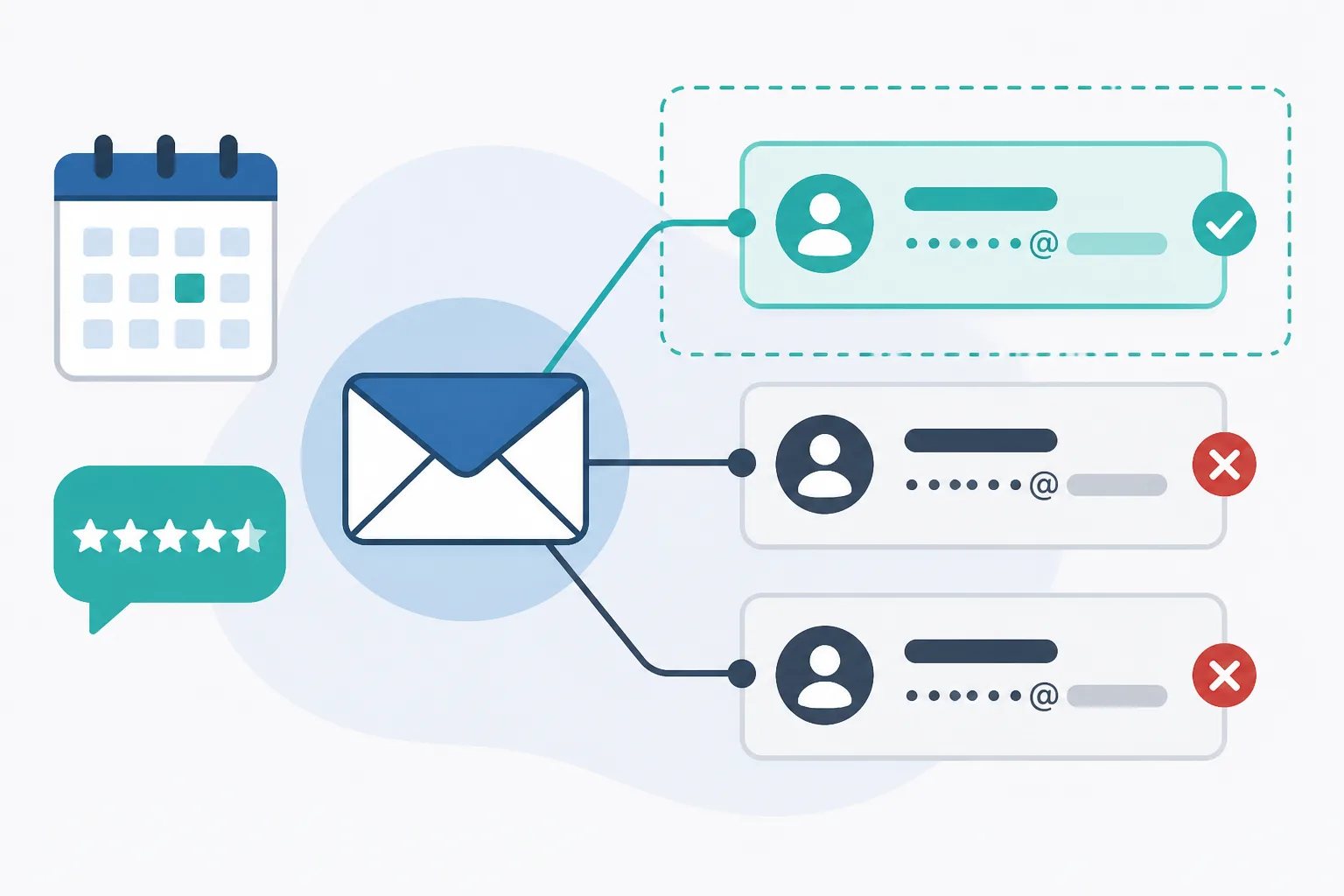
To control who can send automated review requests, approve only the customer-facing email addresses that should start the workflow, define the customer moment that qualifies, and review the list whenever roles or mailboxes change. In Revilope, an approved sender can BCC a private Revilope address on an eligible customer email to schedule a separate review request. That makes sender control a useful safeguard against accidental, mistimed, or unclear outreach.
The goal is not to authorize every address your business owns. It is to create a clear boundary around the inboxes and people responsible for initiating review follow-up after a genuine customer interaction.
What sender authorization controls
An authorized sender is an email address your business has approved to initiate a review-request action. In an email-triggered workflow, the address that sends the customer message matters because that message starts the automation.
Sender authorization is different from email authentication. Technologies such as SPF, DKIM, and DMARC help receiving mail systems assess whether a message is legitimately associated with the domain it claims to use. Authorized sender verification is an application-level control: it determines whether a specific address is allowed to start a review-request workflow.
Both controls can be valuable, but they solve different problems. Domain authentication does not automatically mean that every mailbox at the domain should be able to send customers a review invitation. A general billing inbox, a former employee’s forwarded address, and a customer-success mailbox may all use the same domain while serving very different purposes.
Choose senders based on the customer moment
A good sender is not simply an address that can email customers. It is an address whose messages reliably follow a point when the customer has received something meaningful enough to evaluate.
For example, an individual account-management address might be appropriate if it sends a follow-up after a completed project. A shared customer-success inbox could be appropriate if the team uses it after a defined resolution or handoff. An order or delivery address can also be a candidate when its messages consistently represent a genuine completion point.
By contrast, broad team inboxes, internal addresses, marketing mailboxes, and automated transactional messages need closer review. They are not automatically wrong, but they can blur the reason a request was triggered. An invoice alone, an appointment confirmation, or an early support reply may arrive before the customer has had a fair opportunity to judge the experience.
Before authorizing an address, be able to answer one plain question: What type of customer email from this inbox should intentionally lead to a review request? If the answer is vague, refine the workflow before adding the sender.
Map the real addresses your team uses
Many sender problems start with an incomplete inbox list. Teams may compose messages from one mailbox, receive replies in another, or send using an alias that differs from the underlying account. The visible From address is the address to examine, because it is the address connected to the customer email and automation trigger.
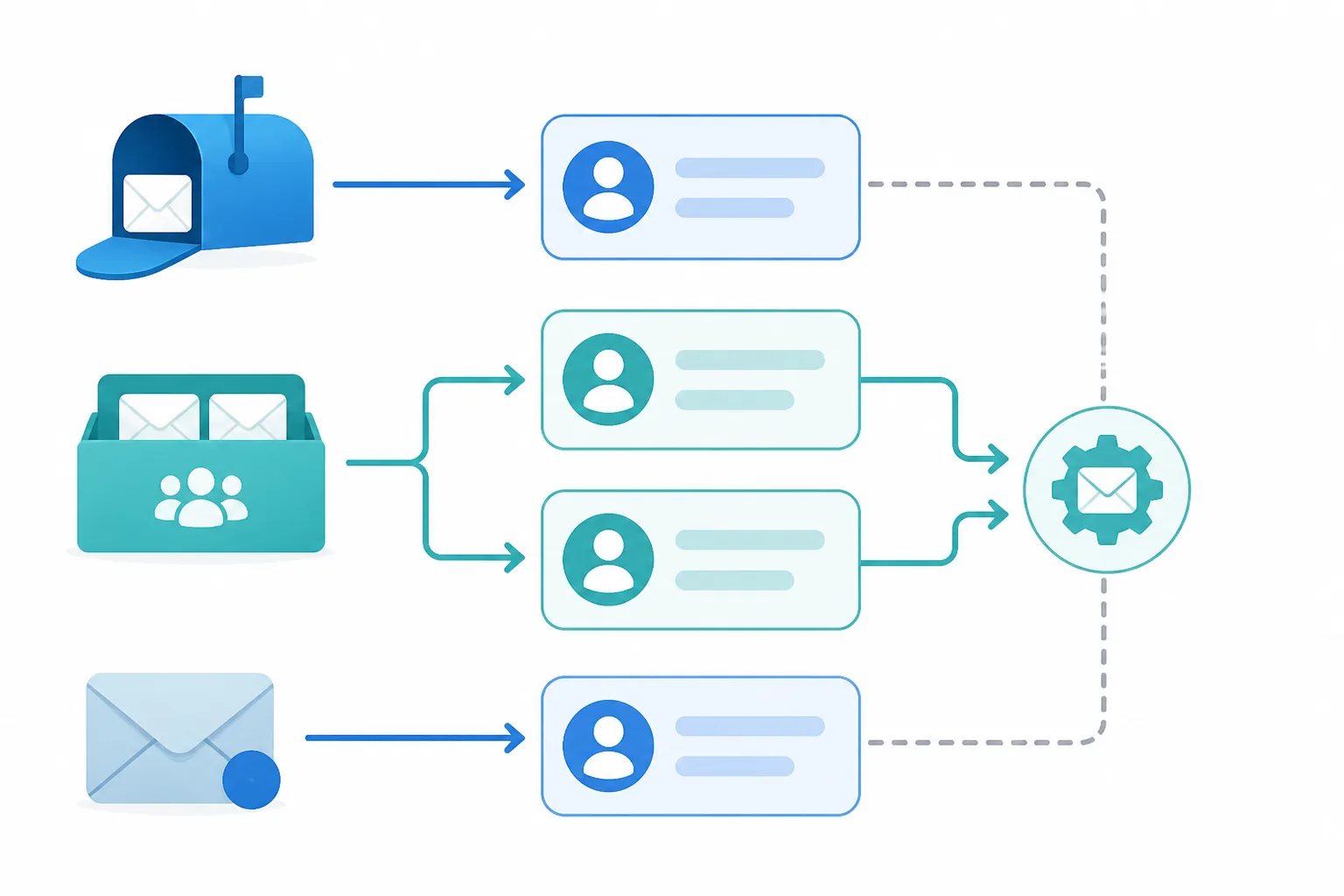
Start by listing every address that may send customer communication, including individual accounts, shared mailboxes, aliases, and addresses used by systems. Then separate the addresses that actually send post-completion, delivery, follow-up, or resolution messages from those used for unrelated communication.
Assign an owner to each approved sender. Ownership does not need to create unnecessary administration. It simply means someone can confirm that the address remains active, customer-facing, and used according to the agreed workflow. This becomes especially useful when responsibilities are shared across a team.
Sender detail to check
Authorize the address customers actually see
An alias or shared mailbox can send from a different visible address than the account a team member uses to compose or read messages. Review and authorize the customer-facing From address individually rather than assuming the primary mailbox or company domain covers it.
How to control who can send automated review requests
Authorization works best as a short operating process rather than a one-time setup task. We use sender verification in Revilope so businesses can control which addresses are permitted to trigger BCC-based review requests. The following process helps keep that control deliberate as your email practices evolve.
Sender authorization process
A six-step approval routine
Use this sequence before allowing an address to start automated review requests.
- Inventory individual accounts, shared mailboxes, aliases, and system addresses that send customer emails.
- Identify the specific post-completion, delivery, follow-up, or resolution messages that qualify for a request.
- Exclude internal, marketing, billing, and other communications that do not represent an appropriate feedback moment.
- Assign an owner who can confirm each address remains active and follows the agreed use.
- Add only approved addresses through the sender-verification process in your account.
- Run a controlled test, then revisit the list after staffing, mailbox, or email-platform changes.
Test a sender before using it with customers
A controlled test is the practical check between a planned workflow and a live one. Test after adding a sender, changing email platforms, introducing an alias, updating team responsibilities, or revising the messages that qualify for review follow-up.
Use a scenario that does not involve a real customer. Confirm that the intended visible sending address is recognized, that the request enters the workflow, and that the saved template and timing reflect the situation you planned for. This is also a good time to ensure the team understands when to include the private BCC address and when to leave it out.
Our activity tracking helps make these checks visible. A request can be scheduled, sending, sent, failed, cancelled, skipped as a duplicate, or rejected. A rejected request can indicate that the sending address has not been verified as an authorized sender. If that happens, check the exact address used to send the customer email, particularly where aliases and shared mailboxes are involved.
A scheduled status means the separate request is waiting for the delay saved for that business. It does not mean the request has already been delivered, and a sent status confirms that the invitation was sent, not that a customer chose to leave a review. Reviewing the status before creating another request helps avoid unnecessary follow-up. Learn more about the workflow in our guide to using Revilope.
Keep authorization current through staff and system changes
Sender verification is most useful when the list reflects how your team actually communicates. A mailbox can become unsuitable when an employee changes roles, leaves, begins using a different sending address, or is replaced by a shared inbox. Email migrations and rebrands can create similar changes.
Build authorization review into events that already require access checks. When onboarding someone, explain which customer emails can trigger a request. When offboarding or changing roles, reassess whether the departing address should remain approved. When changing email systems, test the workflow before relying on it for customer communication.
A periodic review also catches quieter changes, such as a newly adopted alias, a team inbox that has expanded beyond its original purpose, or a mailbox that now sends a mixture of customer and internal messages. Removing an address is not a failure of automation. It is how you keep the process aligned with the customer touchpoints that still make sense.
Authorization supports a better review-request process
Approved senders decide who can start the workflow. Other settings decide what happens next. In Revilope, businesses can use custom review request email templates, scheduling, manual requests, activity tracking, and customer unsubscribe management alongside sender verification.
These functions should work as separate, connected decisions. First, choose the address and customer moment that can trigger a request. Next, set wording that invites honest feedback without asking for a particular rating, and choose a delay that gives the customer time to evaluate the completed experience. Finally, check activity when a workflow change or exception needs attention.
We also include duplicate protection and unsubscribe management in the review-request process. A duplicate skip can prevent another invitation from being sent to a customer who has already been contacted. If a customer unsubscribes while a request is waiting, the queued request is cancelled and future Revilope review-request emails from that business are blocked for that customer. These outcomes help keep review outreach limited and respectful rather than repetitive.
For a concise overview of the BCC-triggered process, visit See How It Works. The central principle remains simple: automate only after defining the people, addresses, and customer milestones that deserve to start the follow-up.
Helpful answers
Frequently Asked Questions
Set up a controlled review-request workflow
Create an account to use BCC-triggered review requests with approved sender verification.