

How to Monitor Review Request Activity Without Chasing Every Status
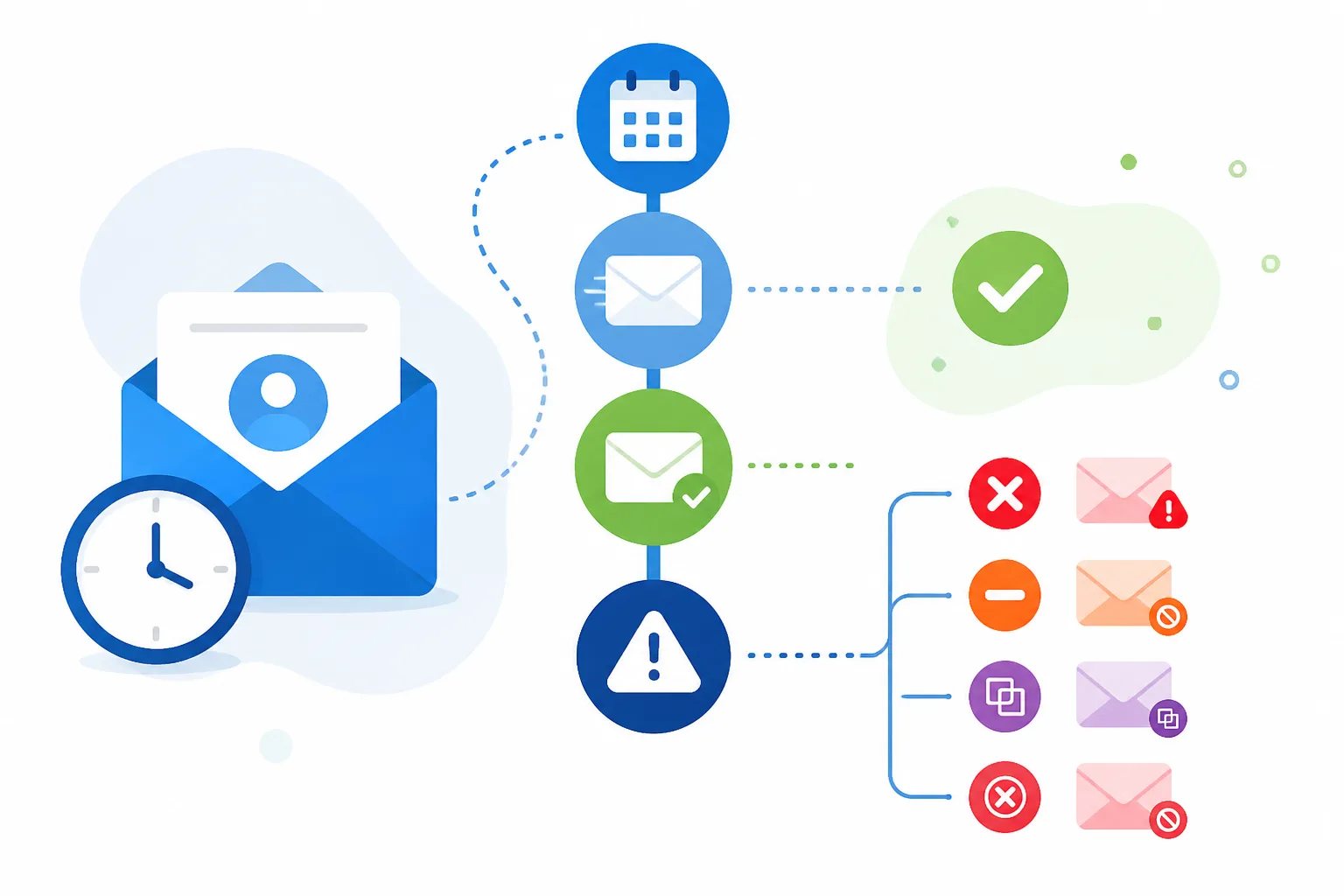
To monitor review request activity effectively, treat each status as an operational signal rather than a reason to immediately send another invitation. A request that is scheduled, sent, cancelled, skipped as a duplicate, failed, or rejected needs a different response. The goal is simple: confirm that a well-timed request entered the right workflow, investigate genuine exceptions, and avoid creating unnecessary follow-ups for customers.
At Revilope, activity tracking brings manual requests and BCC-triggered requests into one dashboard view. When an approved sender BCCs a private Revilope address on an eligible customer email, we create a separate review request using the delay saved for that business. The activity record makes that later step visible instead of leaving your team to guess what happened after the original email was sent.
Why activity tracking is more useful than counting reviews
A review request dashboard can tell you whether an invitation progressed through your workflow. It cannot tell you why someone chose to leave, skip, or delay a review. That distinction matters: a sent request confirms delivery of an invitation, not a review or a particular rating.
The most practical use of activity tracking is operational. It helps you answer questions such as:
- Did the request enter the workflow after the right customer milestone?
- Is it still waiting for the intended delay?
- Was it prevented for a customer-protection reason, such as an unsubscribe or duplicate request?
- Does a sender address, alias, or workflow setting need attention?
This keeps a review-request process focused on relevant, voluntary feedback rather than on repeatedly prompting customers.
How to read each review request status
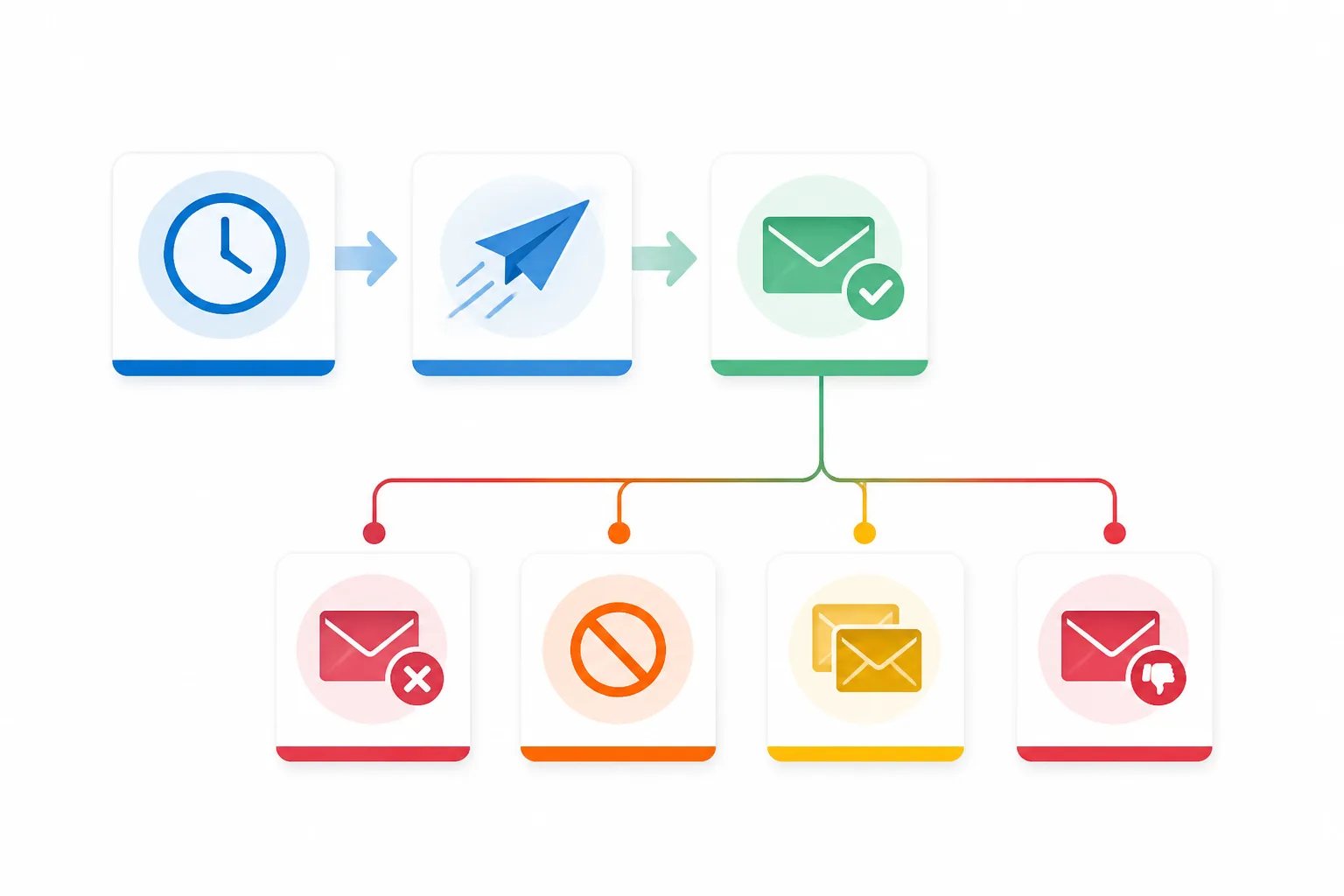
Statuses are most helpful when they lead to a clear next step. In Revilope, the following request and sending states appear in activity tracking.
| Status | What it means | What to do next |
|---|---|---|
| Scheduled | The request is waiting for the saved delay. | Check that the original customer interaction was complete and allow the request to remain queued. |
| Sending | The request is being processed for delivery. | Wait for the final status before taking action. |
| Sent | The review invitation was sent. | Do not send another invitation simply because a review has not appeared. |
| Failed | The request could not be sent after processing attempts. | Review the entry and correct the underlying issue before trying again. |
| Cancelled | A queued request will not be sent. | Confirm whether an unsubscribe or workflow change explains the result. |
| Skipped as a duplicate | The customer had already been contacted. | Leave the duplicate safeguard in place rather than sending a repeat request. |
| Rejected | The request was not accepted into the workflow. | Check whether the visible sending address is verified as an authorized sender. |
Scheduled is a waiting state, not a delivery confirmation
A scheduled request has not been sent yet. It is waiting for the delay attached to your business’s review-request settings. That delay gives the customer time to assess a completed service, delivered item, finished project, or resolved support issue before receiving a separate invitation.
This is why a scheduled request should not trigger a second manual send. First, check whether the email that initiated the request represented a real completion point. Booking confirmations, order confirmations, payment reminders, and first support replies are often too early because the customer has not received the value they are being asked to review.
For a deeper look at selecting the trigger and delay together, see our guide to creating a review request schedule around customer milestones.
When a cancelled or duplicate status is the right outcome
Not every request that does not send represents a problem. A skipped duplicate means the customer was already contacted, which helps prevent a second invitation tied to the same experience. It is a safeguard, not a missed request.
A cancelled request can also be correct. Every live review request we send includes an unsubscribe option. If a customer unsubscribes while a request is waiting, we cancel that queued request and prevent future review-request emails from that business to that customer.
Customer preference safeguard
A cancelled request can show the workflow worked
When a customer unsubscribes while a delayed request is waiting, we cancel that queued request and block future review-request emails from that business. In that situation, cancellation protects the customer’s choice rather than signaling a technical failure.
These outcomes are a reason to review the workflow, not override it. A duplicate skip may reveal that several people are initiating requests around the same customer journey. A cancellation may show that the system honored a customer’s preference exactly as intended.
How to investigate failed and rejected requests
Failed and rejected requests occur at different points in the process, so they should not be handled as though they mean the same thing.

Rejected commonly points to sender authorization. Revilope requires the customer-facing sending address to be verified before it can trigger a BCC-based review request. Review the From address that the customer actually saw, especially if your team uses aliases or shared mailboxes. A person may read mail in one inbox while sending from a different visible address.
Failed means the request could not be sent after processing attempts. We automatically retry temporary sending failures up to three times. When a request permanently fails before it is sent, the reserved request is returned to your plan allowance. Review the activity entry before creating a replacement request, so your records remain clear and customers do not receive unnecessary outreach.
Our guide to authorized sender verification explains why approving individual customer-facing addresses is more reliable than treating an entire email domain as one workflow role.
A short activity routine after a workflow change
You do not need to inspect every entry all day. A brief review is most valuable after changing an email template or delay, adding a sender, updating an alias, or submitting manual requests. It lets you catch configuration issues while the customer interaction is still easy to understand.
Activity review routine
Five checks after changing a review-request workflow
Use this quick routine after adding a sender, changing a template or delay, or submitting manual requests.
- Confirm that new requests appear with the status you expected.
- Check scheduled entries against the customer milestone and saved delay.
- Review rejected entries by checking the visible sending address and its authorization.
- Investigate failed requests before creating a replacement invitation.
- Leave duplicate skips and unsubscribe-related cancellations in place unless you identify a genuine workflow error.
Manual and BCC-triggered requests benefit from the same review habit. For manual requests, activity confirms whether the request was scheduled, sent, stopped, or needs attention. For BCC-triggered requests, it confirms whether the normal customer email successfully created the separate follow-up you intended.
Use patterns to improve the process, not pressure customers
Activity history becomes more useful when you look for repeatable workflow patterns. Several rejected requests after an email-platform change may indicate that a new visible sender address needs verification. Repeated duplicate skips may mean your team needs one shared rule for when a customer interaction qualifies for a review request. Scheduled requests appearing too early can be a signal to revisit the trigger email or delay.
What activity tracking should not become is a way to judge customers. A status cannot explain why a person did not leave a review, and a sent invitation is not an invitation to chase a response. A clear, optional request after a genuine customer milestone is enough.
Revilope supports manual sending when an eligible interaction did not produce a customer email suitable for the BCC workflow. You can add customer email addresses in the dashboard and choose to send as soon as possible or use the saved delay. In either case, checking the resulting activity is more reliable than assuming the request was delivered. Learn more about the complete Revilope workflow for manual and BCC-triggered requests.
Keep the dashboard useful by acting only on real exceptions
The strongest routine is deliberately small: confirm new workflow changes, let correctly scheduled requests wait, investigate failed or rejected entries, and respect cancellations and duplicate protection. That approach gives your team visibility without turning a customer feedback invitation into a series of avoidable messages.
When activity tracking is paired with an appropriate customer milestone, approved senders, a recognizable template, and an unsubscribe option, each request has a clear purpose from trigger to final status.
Helpful answers
Frequently Asked Questions
Make every review request visible
Set up delayed review requests and monitor their progress from one dashboard.