

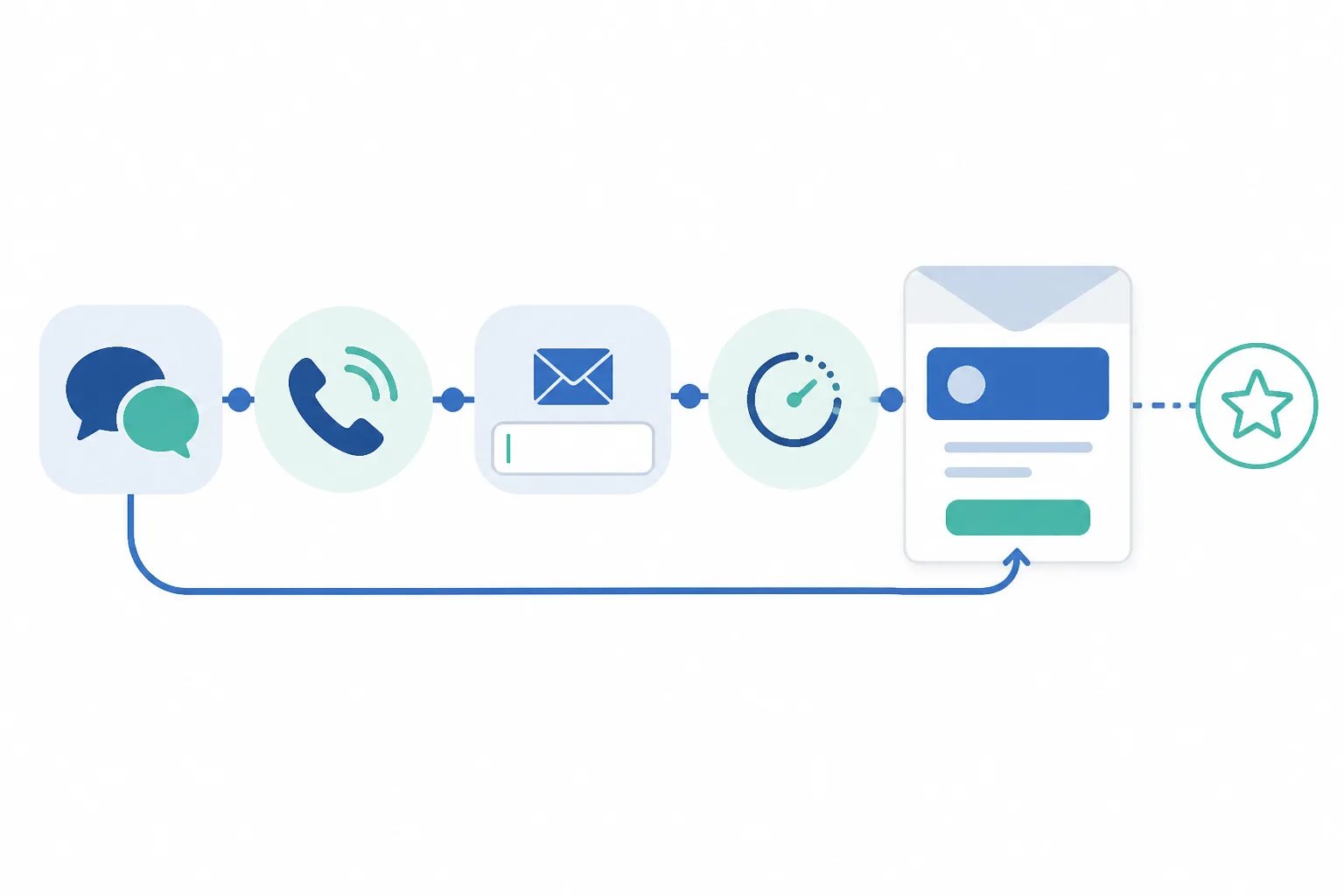
A Practical Manual Review Request Process for In-Person and Phone Customers
A manual review request process is most useful when a customer has completed a real, reviewable interaction but there was no suitable customer email to trigger an automated follow-up. The key is not to collect every available address or send a large catch-up batch. It is to identify a genuine completion point, give the customer enough time to form an opinion, and send one clear, optional invitation.
At Revilope, manual requests help cover completed in-person visits, phone interactions, and customer journeys handled outside a normal email workflow. You can add one or more customer email addresses in the dashboard and choose to send each request as soon as possible or use the delay saved for that business.
When manual review requests are the better path
Manual sending is not a replacement for every review-request workflow. It is the practical option when a customer has had an experience worth reviewing, but no ordinary completion email was sent to them.
That can happen after an in-person visit, a phone conversation that resolved an issue, or an interaction managed in a separate platform. It can also help when a team member completed a customer handoff but did not send the usual follow-up email.
Use a simple qualifying question: Could this customer describe the experience fairly if the review invitation arrived now? If the answer is no, wait. An order still in transit, a repair that has not been tested, or a support solution that has not yet been confirmed are not strong review moments.
For repeatable email milestones, our BCC-triggered workflow can schedule a separate request after a qualifying customer email. Manual requests are for the valid moments that do not create that email trigger.
Choose the customer milestone before opening the dashboard
The most common problem with manual outreach is not the dashboard action itself. It is sending too early because a contact record exists. An email address is not a completion signal.
Instead, define the milestone that makes feedback meaningful for your type of customer journey. A completed appointment may be reviewable soon after the visit. A delivered product might need setup or use first. A resolved support issue is a better milestone when the customer can confirm that the resolution actually works.
Clear milestones also help a team stay consistent. Rather than asking people to make a new judgment every time, create a plain-language rule such as: “Send one manual request after a phone case is resolved and confirmed.” The precise rule will differ by business, but it should describe a completed outcome rather than an administrative event.
How long should you wait before sending?
Manual does not have to mean immediate. A delay separates the invitation from the original interaction and gives the customer room to assess what they received. The useful amount of time depends on the evaluation window, not a universal schedule.
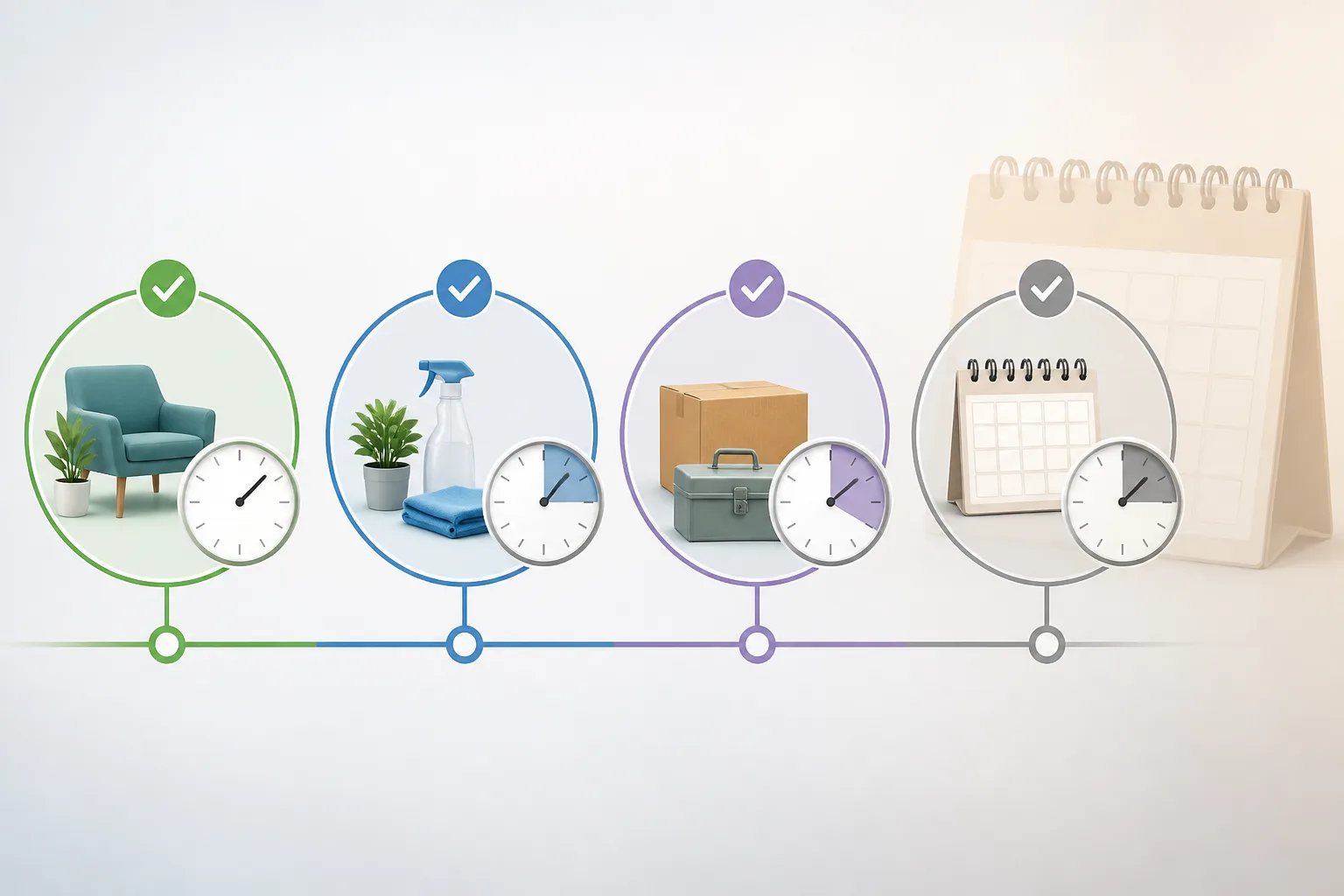
| Customer situation | Practical timing approach | Why it fits |
|---|---|---|
| A clearly completed same-day visit or service | Send soon after completion or use a short delay | The experience remains fresh without asking at the handoff itself. |
| A completed straightforward service or purchase | Consider a delay of roughly 12 to 24 hours | The customer has time to reflect while details are still easy to remember. |
| A product, repair, installation, or result that needs use | Allow a longer delay | The customer needs enough time to assess the outcome, not just the transaction. |
| An interaction from months ago | Avoid treating it as routine catch-up outreach | The invitation can feel disconnected when the details are no longer clear. |
In Revilope, manual requests can go out as soon as possible or use the delay already saved for the relevant business. This lets you apply the same timing logic to manual and BCC-triggered follow-ups without forcing every interaction into the same timetable.
Use one short, voluntary message
A review request should be recognizable, brief, and easy to act on. The customer should understand who is contacting them, why they received the message, and where to share feedback if they choose.
A useful structure has four parts:
- A simple thank-you connected to the completed interaction.
- An invitation to share honest feedback.
- One direct link to the correct Google review page.
- A clear reply path for a customer who would rather contact the business directly.
For example: “Thank you for choosing us. We would appreciate hearing about your experience. If you would like to share feedback on Google, you can use the link below.”
Keep the invitation optional. Do not ask for a particular rating, offer an incentive for a review, or turn the request into a long sales message. A custom template helps keep the wording consistent while still allowing each business to use its own branding, review link, and reply-to address.
Prevent duplicate or unwanted outreach
One appropriate invitation is more respectful and easier to understand than several prompts about the same experience. Before submitting a manual request, check whether the customer has already received one, especially if several people communicate with customers or both manual and BCC-triggered follow-ups are used.
Customer experience rule
A manual request should not become a catch-up campaign
Use manual requests for recent, completed interactions that missed the normal workflow. Sending a broad batch to customers long after an experience can make the invitation feel random and less useful.
Every live request we send through Revilope includes an unsubscribe option. If a customer unsubscribes, we prevent future review-request emails from that business and cancel any request for that customer that is still waiting to send. This preference applies to review-request outreach; it does not automatically determine whether the customer should receive necessary service, account, billing, or transactional messages.
A duplicate skip or an unsubscribe-related cancellation is not an instruction to create another request. It can show that the workflow protected the customer from unnecessary repeat outreach.
Pre-send check
Five checks before a manual review request
Use this shared check before adding a customer to a manual request.
- Confirm the customer has completed a reviewable interaction.
- Make sure they have had enough time to assess the result.
- Verify that the email address belongs to the person who had the experience.
- Confirm the correct review link and reply-to details are assigned to the business.
- Check activity to avoid contacting someone who has already received a request or opted out.
Pre-send check
Five checks before a manual review request
Use this shared check before adding a customer to a manual request.
- Confirm the customer has completed a reviewable interaction.
- Make sure they have had enough time to assess the result.
- Verify that the email address belongs to the person who had the experience.
- Confirm the correct review link and reply-to details are assigned to the business.
- Check activity to avoid contacting someone who has already received a request or opted out.
Check what happened after you submit the request
Submitting a manual request is not the same as confirming delivery. Our dashboard shows activity for manual and BCC-triggered requests, including whether a request is scheduled, sending, sent, failed, cancelled, skipped as a duplicate, or rejected.
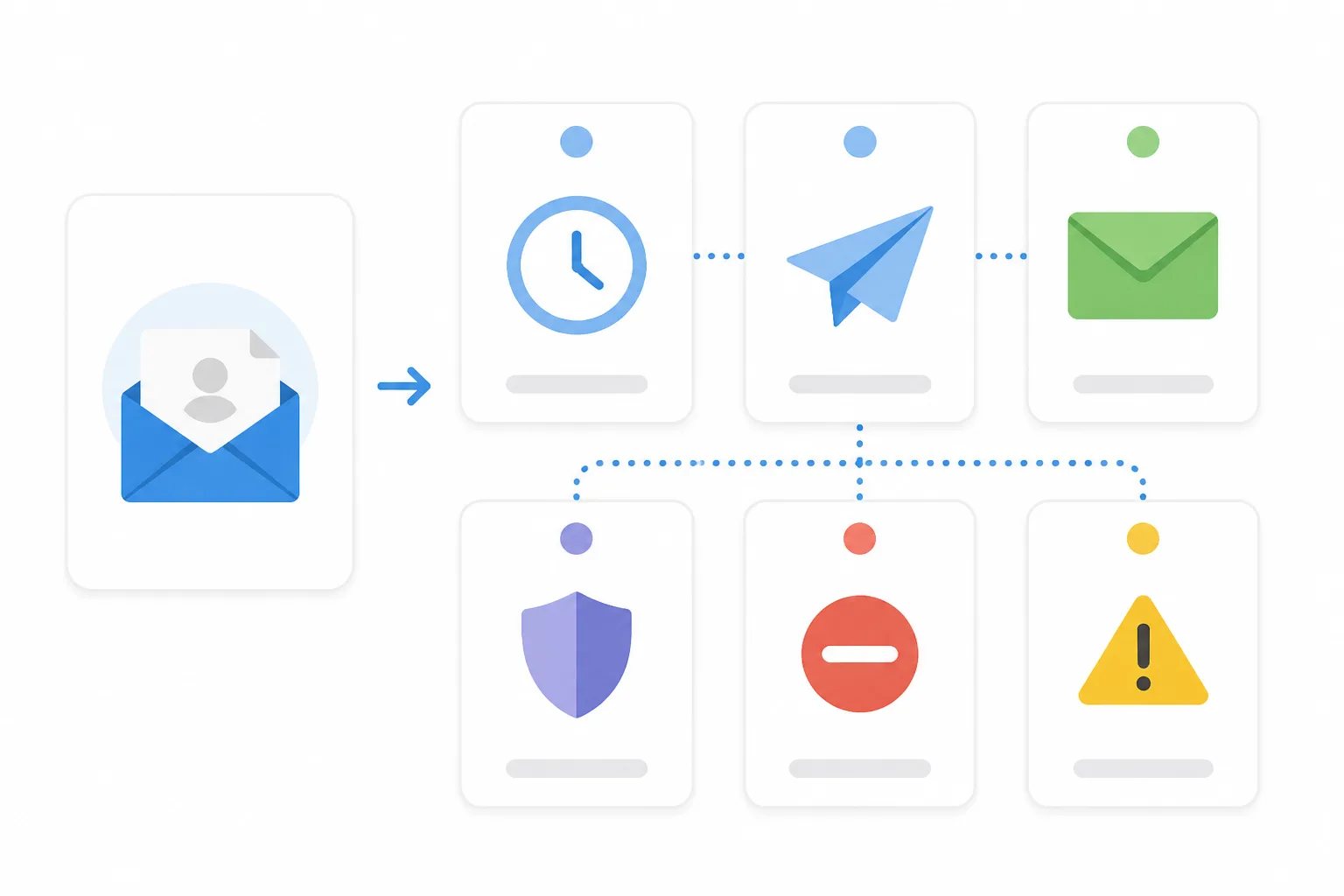
Each status calls for a different response. A scheduled request is waiting for its saved delay, so sending a second invitation would be premature. Sent confirms that the invitation was sent, not that a customer chose to leave a review. A skipped duplicate and a cancellation often require no further action. Failed and rejected entries are the statuses worth investigating before attempting a replacement request.
We automatically retry temporary sending failures up to three times. If a request permanently fails before being sent, the reserved request is returned to your plan allowance. For a fuller status-by-status explanation, see our guide to monitoring review request activity.
Keep manual requests connected to the wider workflow
Manual requests work best as a deliberate exception, not an unrelated campaign. Use them when a recent customer experience was completed without a suitable email trigger. Use a BCC-triggered request when a normal customer email reliably marks the same completion point.
Both paths should use the same underlying rule: wait until the customer has received enough value to give informed feedback, send one recognizable invitation, and respect their choice not to respond. Our guide to using Revilope explains how manual and BCC-triggered requests fit into one review-request routine.
The result is a process that covers offline and phone-based customer moments without turning every email address into a reason for outreach.
Helpful answers
Frequently Asked Questions
Put thoughtful manual follow-ups in one workflow
Create an account to send individual review requests when a completed customer interaction did not produce a suitable email trigger.