

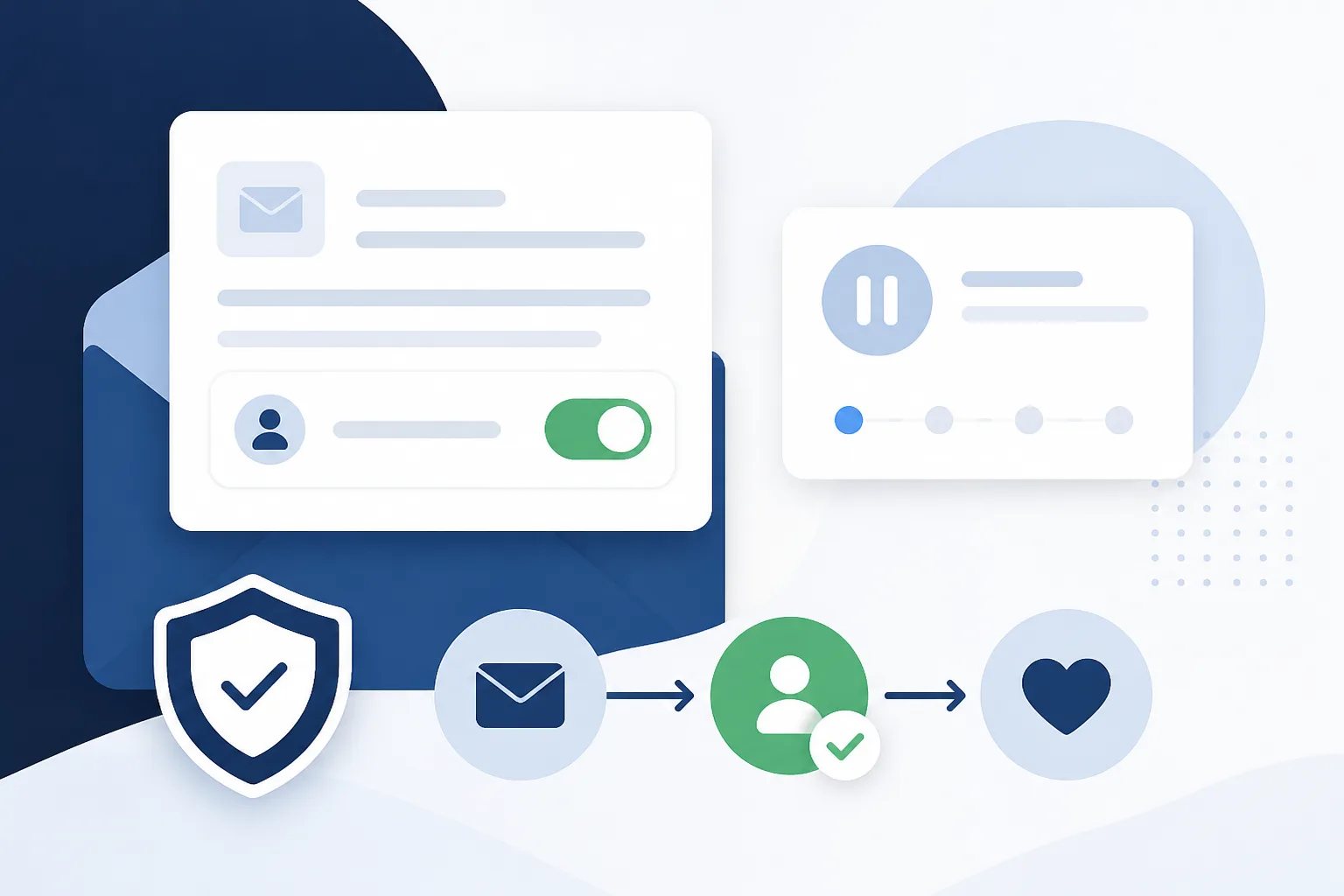
How to Manage Customer Unsubscribes in a Review Request Workflow
To manage customer unsubscribes for review requests well, make opting out straightforward, honor that choice across future outreach, and stop requests that have not yet been sent. This keeps a review-request workflow focused on customers who are open to receiving it, rather than turning a completed interaction into an unwanted follow-up.
For businesses, unsubscribe management is not simply a technical setting. It is part of communicating with care. A customer who does not want future review requests should not need to repeatedly opt out, explain themselves, or receive a delayed message that was already sitting in an automation queue.
What good unsubscribe management does
A useful unsubscribe process has three practical jobs:
- It gives the customer a clear choice. A customer should be able to stop future review-request emails without searching for a separate contact method.
- It records the choice reliably. The preference needs to apply before another eligible customer email starts a new request.
- It accounts for scheduled messages. When a request is set to send after a delay, the system should check whether the customer opted out before the message goes out.
These details matter because automated review requests often happen after the original customer email has been sent. Without a reliable stop mechanism, a customer could unsubscribe and still receive a request that was scheduled earlier.
Why an unsubscribe option protects the customer experience
A review request can be a reasonable follow-up after a meaningful customer interaction. But even a well-timed request is not welcome to everyone. Customers have different inbox preferences, may have already shared feedback elsewhere, or may simply not want additional messages.
Respecting an opt-out helps separate a single customer-care request from repeated outreach. It also gives your team a clear boundary: the purpose of the workflow is to invite feedback, not to pressure someone to respond.
That boundary is especially valuable when several people or inboxes communicate with customers. A centrally managed unsubscribe preference is more dependable than asking each individual sender to remember who should not receive another request.
How unsubscribe management works in Revilope
Every live review request we send through Revilope includes an unsubscribe option. When a customer unsubscribes, we prevent that business from sending that customer future review requests. We also cancel review requests for that customer that are still waiting to be sent.
This works alongside our delayed, BCC-triggered workflow. When you BCC your private Revilope address on an eligible customer email, we use the delay saved for your business before sending the branded review request. If the customer opts out while a request is waiting, that pending request is canceled rather than sent later.
Unsubscribe protection applies per business. This distinction matters for accounts that manage more than one business, since each business has its own review link, email template, approved senders, delay, reply-to address, and activity history.
We also support manual and BCC-triggered review requests. Both can be useful ways to request feedback, but both should follow the same customer-preference principle: an unsubscribe should prevent future review-request outreach from that business.
Build the opt-out decision into your workflow
The most respectful unsubscribe process begins before someone clicks an unsubscribe link. Define the customer moments that genuinely justify a request, then limit automation to those moments. A completed service, delivered order, or resolved issue can be clearer triggers than every reply or routine administrative email.
It also helps to separate review requests from other customer communications. An unsubscribe from review-request emails tells you about that type of outreach. Do not assume it automatically answers whether a customer wants invoices, service updates, account notices, or other messages they may need to receive.
Workflow checklist
Before sending review requests, confirm these unsubscribe safeguards
Use this short check before making review-request automation part of everyday customer communication.
- Define the completed customer interaction that makes a review request appropriate.
- Ensure each live request includes a clear unsubscribe option.
- Limit BCC-triggered requests to verified, customer-facing sender addresses.
- Test changes to sender addresses, templates, and delays before using them with customers.
- Review activity regularly for unexpected triggers or pending requests.
Reduce the need for customers to opt out
An unsubscribe option should always be available, but fewer unnecessary requests is the stronger starting point. Review-request automation is most useful when it follows a specific customer milestone and when your team knows exactly which emails are eligible to trigger it.
Start by limiting the people who can initiate the workflow. Revilope verifies authorized senders, meaning only approved team email addresses can trigger review requests using the private BCC address. This gives you more control over which customer communications enter the workflow and helps avoid requests being triggered from an unrelated, shared, or outdated inbox.
Next, use your message and timing deliberately. A clear template tells customers why they are receiving the request and makes the message feel connected to the interaction they just had. A sensible delay avoids sending the follow-up at the exact moment a customer is still handling the original email. You can review the core workflow and available controls in our Revilope features overview.
Keep customer preferences and team processes aligned
Unsubscribe management works best when it is treated as part of an ongoing customer-communication process, not a one-time setup task. When you add a new sender, change templates, revise timing, or alter the customer touchpoint that starts a request, test the workflow before relying on it for live outreach.
Give staff a simple rule: BCC the private automation address only after the defined customer moment, and do not use it on every outgoing email. That reduces accidental requests and makes it easier to explain internally why someone received a review invitation.
Finally, use activity tracking to monitor request and sending status. Reviewing activity can help identify a request that did not send, a workflow step that needs attention, or a sender practice that is producing requests at the wrong point in the customer journey. The goal is not to maximize messages. It is to make each request intentional and to honor a customer’s decision when they decline future outreach.
Customer preference safeguard
An opt-out should stop queued requests too
In Revilope, when a customer unsubscribes, we block future review requests from that business and cancel any requests for that customer that are still waiting to send.
Helpful answers
Frequently Asked Questions
Set up a more respectful review-request workflow
Create an account to use delayed review requests with built-in unsubscribe protection and sender controls.