


What to Include in a Google Review Request Email Template
A Google review request email template should make four things immediately clear: who is asking, why the customer is receiving the message, where they can leave feedback, and how to reply privately instead. The strongest templates are short, invite honest feedback without asking for a particular rating, and are sent after a completed experience rather than at the first point of contact.
Custom templates are valuable because they turn a repeatable customer moment into a consistent, recognizable message. They should not turn every customer email address into a reason to ask for a review. Start with the customer milestone, then use the template to make one appropriate invitation easy to understand.
Start with the customer moment, not the email copy
A polished message cannot fix poor timing. Before writing a template, define the point at which a customer can fairly comment on what they received. That is usually a completed service, a delivered item that has had time to be used, a final project handoff, or a support issue that the customer has confirmed is resolved.
Messages such as booking confirmations, invoices, payment reminders, and first support replies are often too early. They document an administrative step, not necessarily a completed customer experience. A template sent at the wrong moment can feel disconnected even if the wording is courteous.
For recurring email-based milestones, Revilope lets approved senders BCC a private address on a qualifying customer email. We then schedule a separate branded Google review request using the delay set for that business. This keeps the completion email focused on its original purpose while the later request has one clear job. Our guide to creating a review request schedule explains how to pair a meaningful trigger with an appropriate delay.
What to include in a Google review request email template
Most templates work best when they contain a few practical elements rather than a long explanation. A customer reading on a phone should be able to identify the sender, understand the invitation, and find the review link quickly.
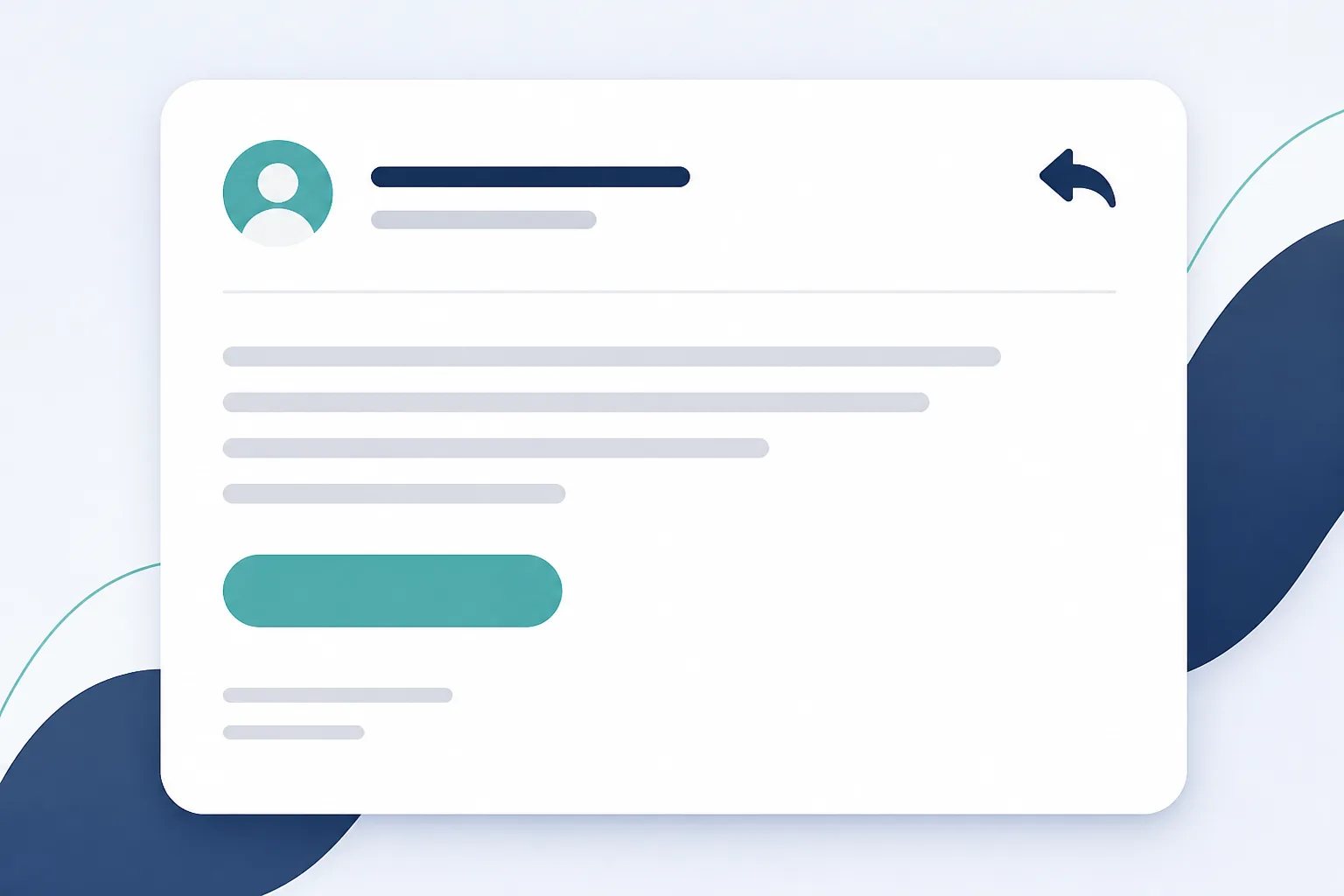
- A recognizable sender and greeting: Use the business identity the customer will recognize from the completed interaction.
- A brief thank-you: Connect it naturally to the customer’s recent experience without overstating or assuming a positive outcome.
- An invitation to share honest feedback: Ask for their experience, not a particular star rating or a positive review.
- One direct Google review link: The link should take the customer to the correct business review destination.
- A clear reply path: A reply-to address gives customers a way to contact the business directly if they would rather raise a question or concern privately.
Those elements answer the customer’s practical questions without making the message feel like a campaign. If a sentence does not help the customer understand the request or take the next step, it can usually be removed.
Use wording that leaves the outcome to the customer
A review request is an invitation, not a script for what a customer should say. Asking for a five-star review, promising something in return, or using pressure-heavy language can make the message less trustworthy. A neutral invitation is clearer and gives the customer room to decide whether they want to respond.
For example, this structure is simple and adaptable:
Thank you for choosing us. We would appreciate hearing about your experience. If you would like to share feedback on Google, you can use the link below.
The wording does not presume satisfaction, dictate the content of the review, or create urgency that is not needed. It also works across many types of completed customer experiences because it focuses on feedback rather than a specific product or service.
Keep the subject line equally direct. A subject such as “How was your experience?” can be useful when the sender name is already recognizable. Avoid subject lines that suggest a reward, demand immediate action, or make a promise the email does not deliver.
Customer-first principle
A template cannot make an early request feel appropriate
Use the template only after the customer has received enough value to form an honest opinion. Clear wording is helpful, but it cannot compensate for asking before the experience is complete.
Match the delay to the time needed for an honest opinion
Templates and timing work together. A request sent immediately after a completed same-day interaction can be reasonable when the customer has everything they need to assess it. A product, repair, installation, or resolved issue may need more time for use, inspection, or confirmation.
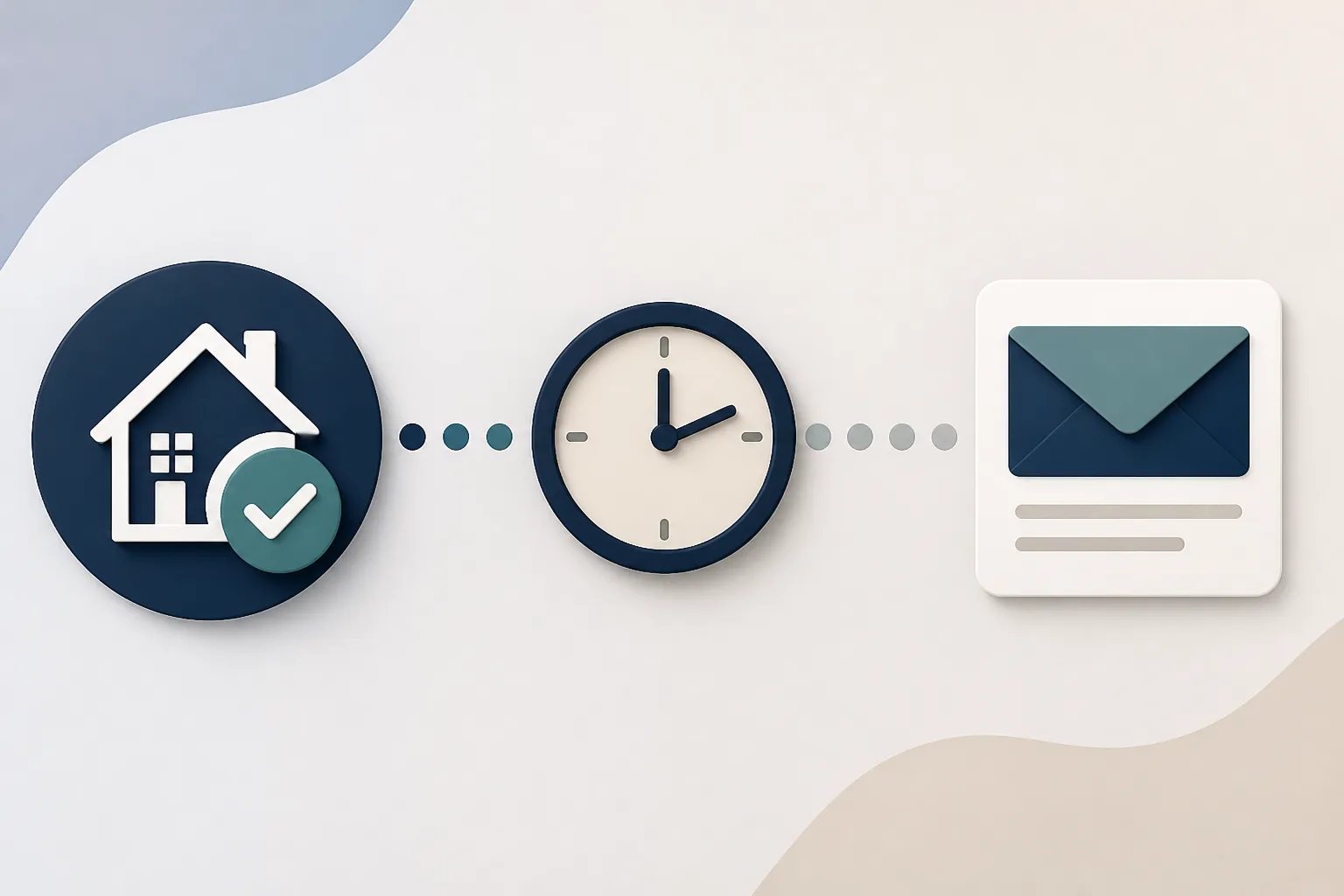
As a general guide, a short delay can suit a clearly finished same-day interaction, while 12 to 24 hours often gives customers time to reflect on a straightforward service or purchase. When an outcome needs brief use or setup, two to three days may make more sense. The key question is not which delay sounds standard. It is whether the customer can offer informed feedback when the message arrives.
Revilope supports business-level delays of 1 hour, 4 hours, 12 hours, 24 hours, 2 days, 3 days, and 7 days. Each business can also keep its own template, Google review link, reply-to address, authorized senders, and activity history. That separation matters when multiple businesses are managed in one account.
Build a template your team can use consistently
Consistency should come from a shared rule, not from asking staff to decide from scratch after every customer conversation. Define which customer emails qualify for a review request and which do not. For example, a final handoff email may qualify, while an invoice or early support reply does not.
Then make the template easy to check before it goes live.
Template pre-send check
Five checks before you use a review request template
Run this short check whenever you create or update a template.
- Confirm the request follows a completed, reviewable customer experience.
- Check that the sender name clearly identifies the business.
- Make sure the template invites honest feedback without requesting a rating.
- Open the Google review link and confirm it reaches the correct profile.
- Test the email on desktop and mobile, including the reply-to path.
In a BCC-triggered workflow, also confirm that the visible customer-facing From address is authorized. The address a team member uses to read mail can differ from the alias or shared mailbox customers see. Revilope verifies individual sending addresses before they can trigger requests; verification uses the business email address and does not require an email password or inbox access. Read more about authorized sender verification for review requests.
Keep one template from becoming repeat outreach
A reusable template does not mean a customer should receive multiple invitations about the same experience. One appropriate request after a real completion point is generally enough. If more than one person communicates with customers, assign a single qualifying milestone and a clear owner for the action.
Every live review request we send includes an unsubscribe option. When a recipient unsubscribes, we block future review-request emails from that business and cancel any request that is still waiting to send. We also use duplicate detection to help prevent another invitation when the customer has already been contacted.
These safeguards are not signals to create a new request through another channel. A skipped duplicate or cancellation can show that the process protected a customer from unnecessary outreach.
Test the template as a customer would see it
Before using a template in live customer communication, send a test and review the complete experience on desktop and mobile. Check the sender name, subject line, message formatting, review link, and reply path. A link that leads to the wrong Google Business Profile or a sender name the customer does not recognize can undermine an otherwise well-written email.
It is also worth confirming the request enters the workflow as expected. In Revilope, the dashboard shows whether a request is scheduled, sending, sent, failed, cancelled, skipped as a duplicate, or rejected. A scheduled request is waiting for its delay, so it is not a reason to send another message. A sent request confirms the invitation was sent, not that the customer chose to leave a review. Our overview of using Revilope covers the manual and BCC-triggered paths in one workflow.
Make the template serve the customer experience
The best custom review request email template is not the longest or most persuasive one. It is recognizable, timely, brief, and voluntary. When it follows a completed experience, includes one clear Google review link and reply path, and respects opt-outs and duplicate protection, it gives customers a straightforward opportunity to share honest feedback.
Helpful answers
Frequently Asked Questions
Set up a recognizable review request template
Create an account to configure your branded message, Google review link, reply-to address, delay, and approved senders.