

When to BCC a Review Request Address: A Customer-First Rule
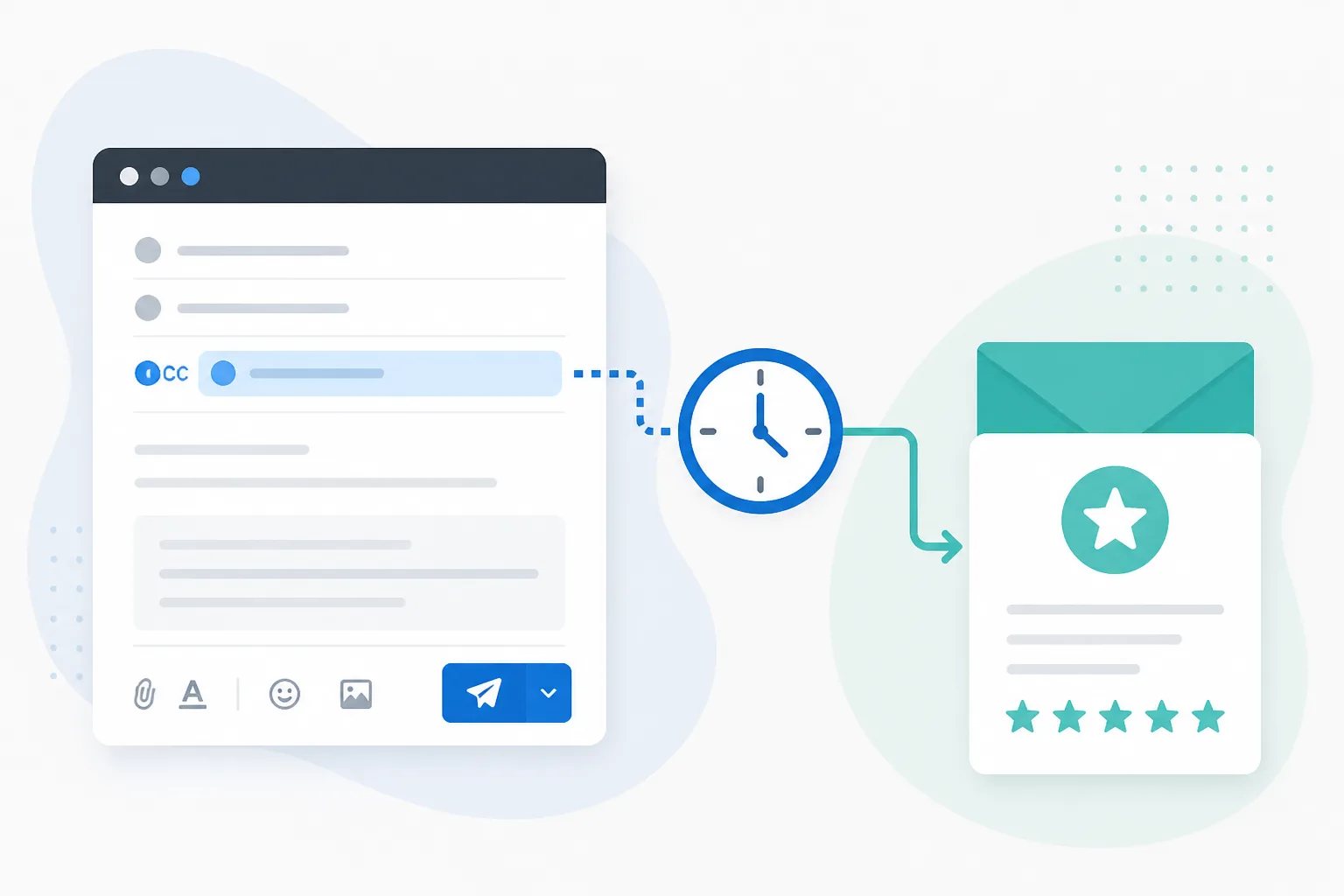
The best time to BCC a review request address is on a normal customer email that follows a genuinely completed, reviewable experience. The BCC is not something to add to every message. It is a deliberate trigger for a separate, delayed invitation, after the customer has had a fair chance to assess the service, product, delivery, project, or resolved issue.
At Revilope, an approved sender can BCC a private Revilope address on an eligible customer email. We then schedule a separate branded Google review request using the delay saved for that business. The original email remains focused on the customer’s immediate needs, while the later invitation gives them one clear opportunity to share honest feedback.
What the BCC address does, and does not do
BCC means blind carbon copy. The customer receiving the original email does not see the private BCC address. In this workflow, it signals that a qualifying customer interaction has reached the point where review follow-up is appropriate.
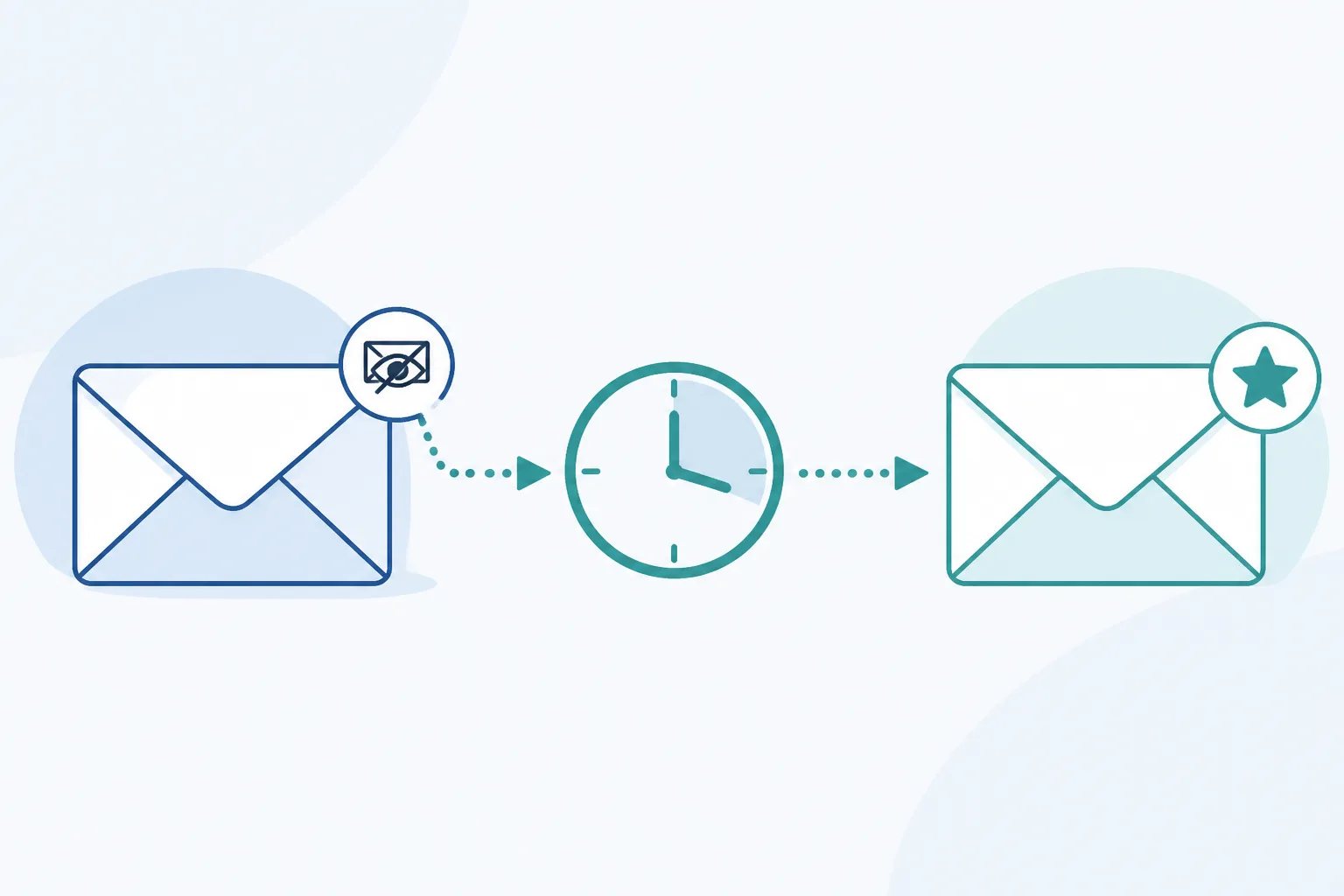
It does not add a review request to the original email, and it does not mean an invitation is sent immediately. Revilope processes the header information needed to identify the sender, customer, and correct business. We do not fetch or read the original email body, attachments, images, or conversation history. The inbound mailbox copy is deleted after processing.
That separation matters. A handoff, delivery, or resolution email should solve the customer’s immediate need. A review invitation can arrive later, after the saved delay, rather than competing for attention in an important operational message. See our overview of how the BCC process works for the core sequence.
Use the customer’s completion point as the rule
The simplest internal rule is not “BCC every customer email.” It is “BCC only the email that confirms the customer has received something they can fairly evaluate.” This makes the action repeatable without making it automatic in the wrong moments.
A suitable message often follows a completed service, final handoff, confirmed resolution, or delivery. The precise trigger depends on what the customer needs to experience before their opinion is informed. A customer who has just booked an appointment, received an invoice, or opened an initial support ticket usually has not reached that point yet.
Ask one question before using the BCC field: If the review invitation arrived after our chosen delay, would this customer have enough experience to give useful feedback? If the answer is no, wait for a later milestone.
Customer-first trigger
A BCC address belongs on a completion email, not every email
Use the BCC trigger only when the customer has received enough value to form an honest opinion. Booking confirmations, invoices, and early support replies usually happen too soon.
When to BCC a review request address
Emails that reflect completion are generally stronger triggers than messages that merely begin or administer a transaction. The examples below are decision guides, not a universal list. Your team should define the specific customer moment that applies to its own work.
| Customer email | Usually a suitable BCC trigger? | Reason |
|---|---|---|
| Final service or project handoff | Often yes | The customer has received the result they are being asked to assess. |
| Delivery update | Sometimes | It can mark completion, but products that need setup or use may need a longer delay. |
| Support resolution confirmation | Often yes | The customer can evaluate the interaction once the issue is resolved and the solution is working. |
| Booking confirmation or first reply | Usually no | The experience has started, but the customer has not received the underlying value. |
| Invoice, payment reminder, or receipt before delivery | Usually no | Administrative communication is not necessarily a meaningful feedback point. |
For a physical product or an outcome that requires use, delivery alone may be too soon. A repair, installation, or newly delivered item can need time before the customer knows whether it meets expectations. A completed appointment or straightforward service may be ready for a shorter delay. The right trigger and the right delay should be chosen together.
Set a delay that gives feedback real context
A delay is not simply a way to postpone an email. It gives the customer space to move from receiving an update to forming an opinion. The right amount of time depends on the evaluation window, not a universal number.
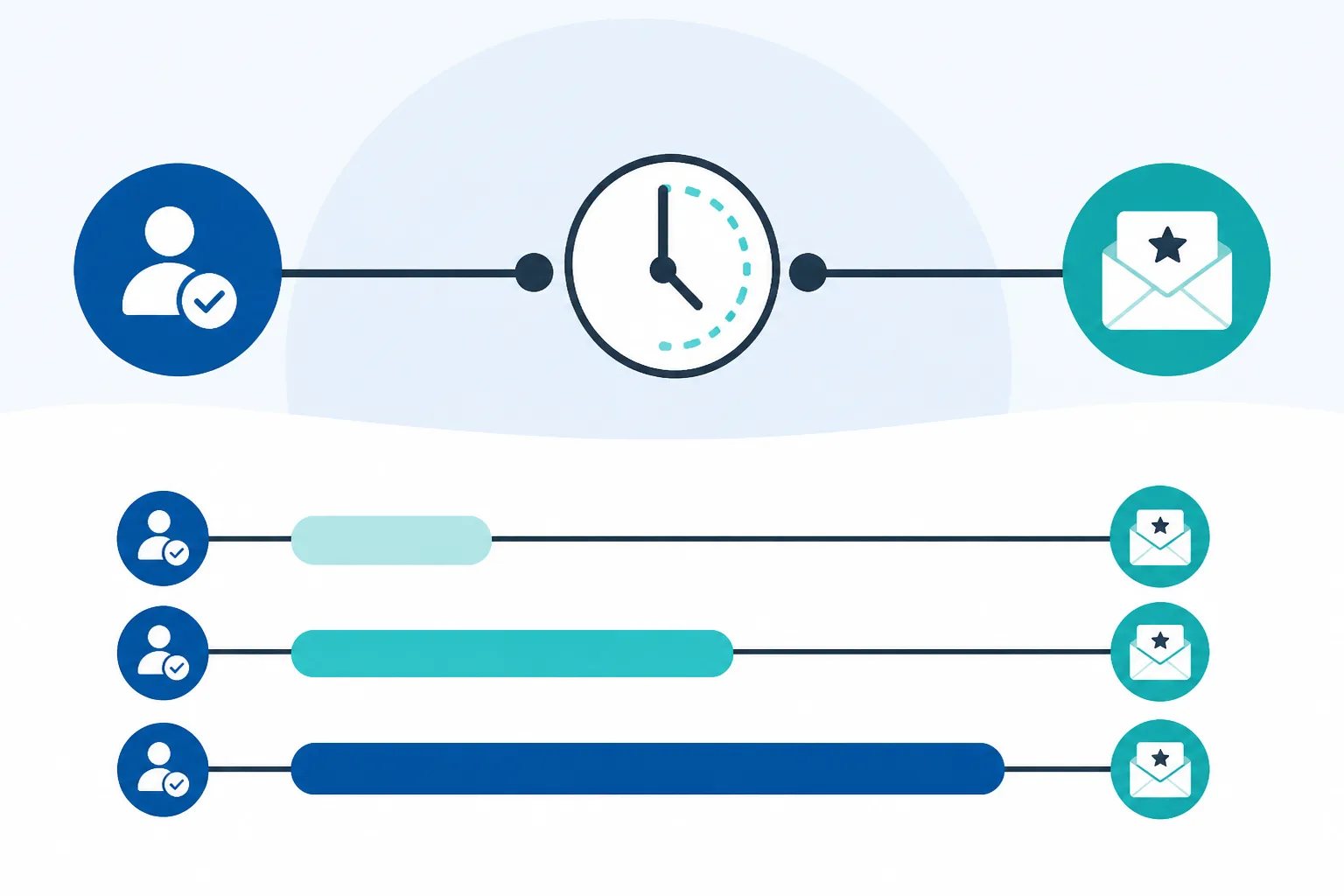
- Clearly completed, same-day interaction: A short delay can keep the experience fresh while separating the invitation from the operational message.
- Completed service or straightforward purchase: A delay of roughly 12 to 24 hours often gives the customer time to reflect without losing context.
- Product, repair, installation, or outcome needing use: A longer delay gives the customer time to assess more than the transaction itself.
- Older interactions: Avoid treating long-past experiences as routine outreach. A request can feel disconnected when details are no longer easy to recall.
Revilope offers saved delays of 1 hour, 4 hours, 12 hours, 24 hours, 2 days, 3 days, and 7 days for each business. Choose the option that reflects when your customer can actually evaluate what they received, then use that reasoning consistently across the emails that qualify.
Keep the trigger deliberate across your team
Consistency comes from a short, shared rule, not from expecting every team member to make a fresh judgment on every message. For example, a business might define one final handoff email, one delivery confirmation, or one resolution message as the only communication where the BCC trigger is used.
Authorized sender verification adds another boundary. We require the customer-facing sending address to be verified before it can trigger a BCC-based review request. This is especially relevant for aliases and shared mailboxes, where the visible From address can differ from the inbox a team member uses to compose or read messages.
Review the customer-visible address individually rather than assuming that every mailbox using the same domain should be approved. Our authorized sender verification guide explains how to assess individual, shared, and alias addresses.
BCC trigger checklist
Five checks before adding the private BCC address
Use this quick check to keep each automated follow-up tied to a clear customer moment.
- The email follows a completed, reviewable service, delivery, handoff, or resolution.
- The customer has had, or will have after the saved delay, enough time to assess the experience.
- The visible From address is verified as an authorized sender.
- The customer has not already been contacted for the same experience.
- The message is one your team has agreed should qualify for review follow-up.
Use manual requests when there is no qualifying email
BCC-triggered requests fit repeatable email moments. They are not meant to force every completed interaction into an email workflow. An in-person visit, phone conversation, or interaction handled in another system may not produce a suitable customer email at all.
In those cases, we support manual review requests in the Revilope dashboard. You can add one or more customer email addresses and choose to send as soon as possible or use the delay saved for your business. The same customer-first standard still applies: send one invitation after a recently completed, reviewable interaction, not after every contact.
Check activity before sending anything again
After a BCC-triggered email, activity tracking shows whether the request is scheduled, sending, sent, failed, cancelled, skipped as a duplicate, or rejected. These are workflow signals, not a scorecard for whether a customer has left a review.
A scheduled request is waiting for the saved delay, so it should not lead to a second manual invitation. A sent status confirms the invitation was sent, not that a review is guaranteed. A rejected request can indicate that the visible sender address was not verified. A failed request deserves investigation before a replacement is created.
Some stopped requests are correct outcomes. Duplicate protection can prevent repeat invitations, and every live review request we send includes an unsubscribe option. If a customer unsubscribes while a request is waiting, we cancel that queued request and block future review-request emails from that business to that customer.
The practical goal is modest: use the BCC trigger at a real completion point, let the configured delay do its job, and investigate actual exceptions without repeatedly prompting the customer.
Helpful answers
Frequently Asked Questions
Set up a more deliberate review-request workflow
Create a free account to configure your review link, approved senders, template, and saved delay before using the BCC trigger.