

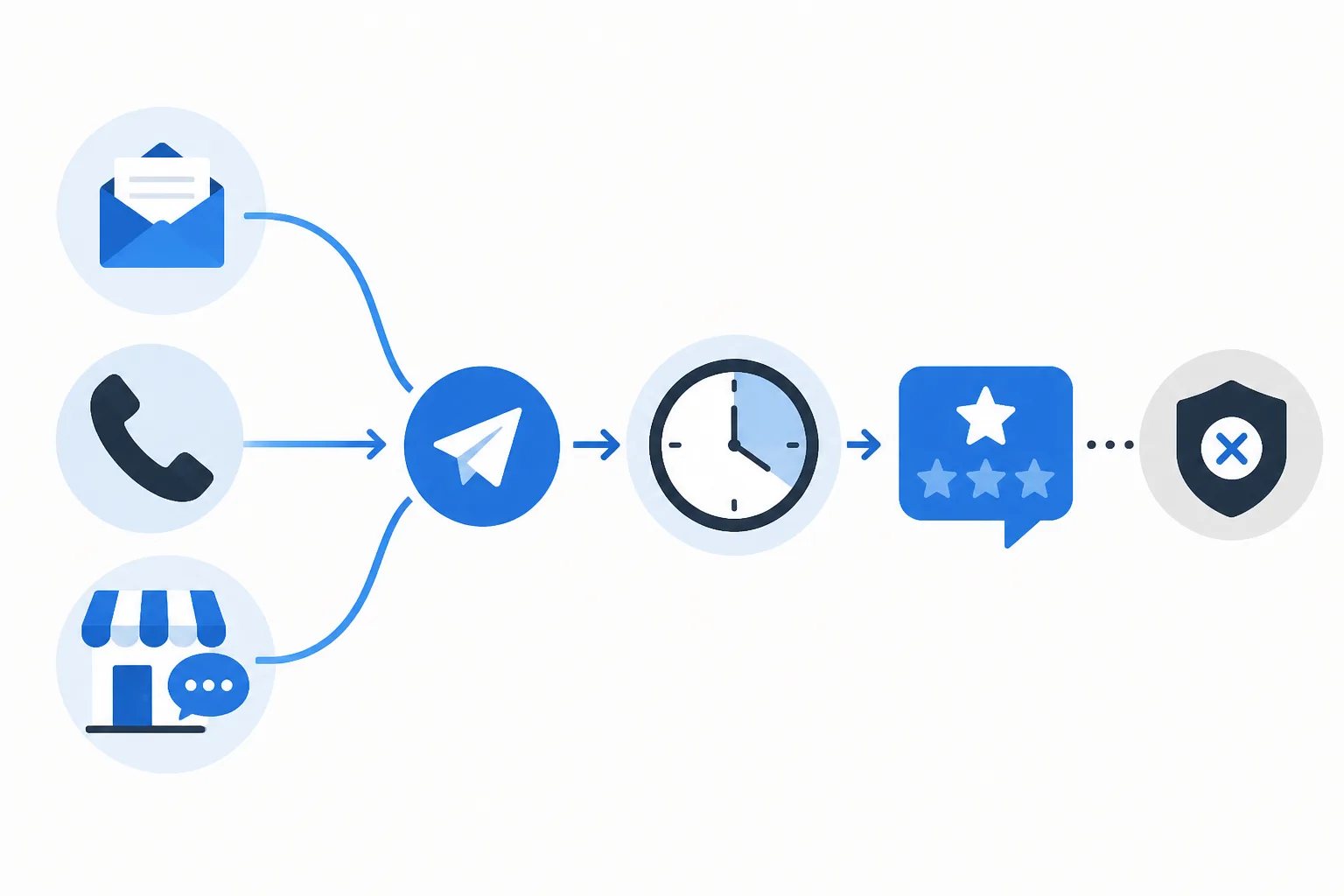
How to Coordinate Review Requests Across Email, Phone, and In-Person Customer Interactions
Google review request automation for multi-channel customer communication works best when every customer interaction follows the same standard: ask only after a genuinely completed, reviewable experience. The delivery method can change. A completion email can trigger an automated follow-up, while a phone call or in-person visit may need a manual request. What should remain consistent is the customer milestone, timing, message, and protection against unnecessary repeat invitations.
The goal is not to send a request after every contact. It is to make one appropriate invitation easy for your team to send after customers have had a fair chance to form an honest opinion.
Why one review-request routine needs more than one sending method
Customer journeys rarely follow a single channel. One customer may receive a final service email, another may complete everything by phone, and another may visit in person. A process that only works when a particular email is sent will leave gaps. A process that treats every interaction identically can send requests too early or create duplicate outreach.
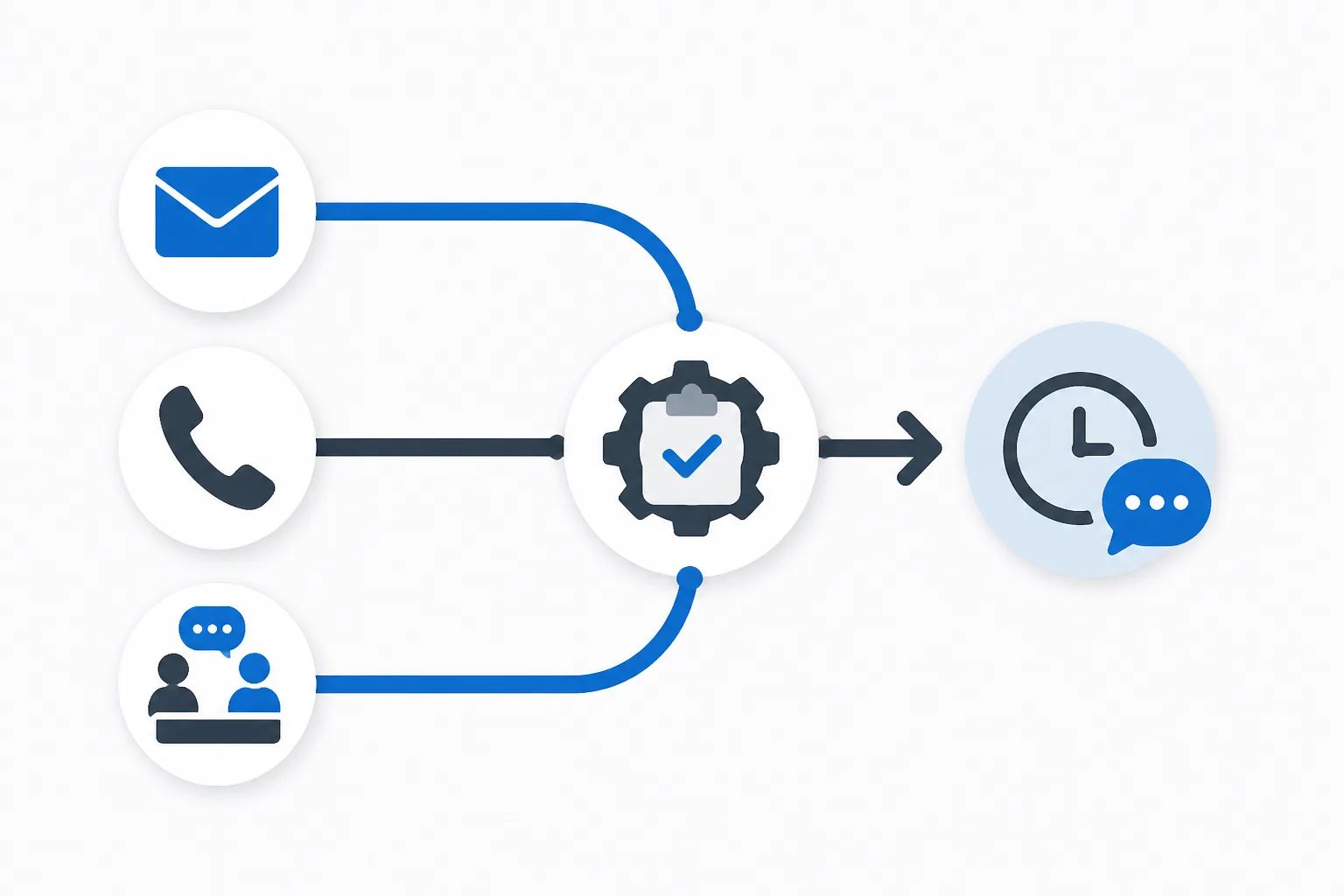
A stronger approach separates the decision to request feedback from the method used to send it:
- The decision: Has the customer received enough value to give informed feedback?
- The method: Did a suitable customer email mark that completion point, or does the request need to be sent manually?
At Revilope, an approved sender can BCC a private Revilope address on an eligible customer email. We then schedule a separate branded Google review request after the delay saved for that business. When an eligible interaction does not produce a suitable email, our dashboard also supports manual review requests. Both methods can sit within the same customer-focused routine.
Map the customer milestone before choosing automation
The most useful trigger is not necessarily the easiest event to track. Booking confirmations, invoices, payment reminders, and first support replies often occur before the customer can fairly evaluate the experience. Start instead with the point at which the customer has received the service, product, outcome, or resolution they came for.
For example, a completed appointment may be reviewable shortly after the visit, while a delivered product may require time for setup or use. A support request is usually better suited to a review invitation after the issue is resolved and the customer has confirmed the solution works.
Workflow checklist
Four questions to ask before a review request
Use the same quick check whether the request will be triggered by email or sent manually.
- Has the customer received the full service, product, or resolved outcome they are being asked to review?
- Did a normal customer email mark that completion point, or is a manual request needed?
- Has enough time passed for the customer to form an informed opinion?
- Has the customer already received a request or chosen to opt out?
Once your team agrees on the qualifying milestone, turn it into a plain-language internal rule. For example: “BCC the review-request address only on final handoff emails.” A simple rule is easier to apply consistently than asking staff to decide from scratch after every customer message.
Use automation for repeatable email moments and manual requests for the gaps
BCC-triggered automation is most practical when a normal customer email reliably marks a completed experience. The operational email remains focused on its original purpose, while the review invitation is scheduled as a separate follow-up. This avoids placing a review request directly inside a receipt, handoff, delivery update, or resolution message.
Manual sending is useful when the same reviewable moment happened without that qualifying email. Common situations include completed in-person visits, phone interactions, or customers handled through a separate system. The standard should not change simply because the send is manual: confirm the experience is complete, use the correct customer email address, and send one clear invitation.
In Revilope, you can add one or more customer email addresses in the dashboard and choose to send as soon as possible or use the delay saved for that business. Manual and BCC-triggered requests use the same plan allowance, which helps keep both paths part of one workflow rather than two unrelated campaigns. Our guide to using Revilope explains how these options fit together.
Keep timing consistent without using one delay for every customer
Consistency does not mean using the same delay in every situation. It means applying the same reasoning: allow enough time for an honest opinion, but do not wait until the interaction is difficult to remember.
| Customer situation | Useful timing approach | Reason |
|---|---|---|
| Clearly completed same-day interaction | A short delay | It keeps the experience fresh while separating the request from the completion moment. |
| Completed service or straightforward purchase | Often 12 to 24 hours | The customer has time to reflect while the details are still clear. |
| Product, repair, installation, or outcome needing use | A longer delay | The customer needs time to assess what they received. |
| Interaction completed long ago | Usually do not treat it as routine outreach | The request can feel disconnected when the experience is no longer easy to recall. |
A 24-hour delay is often a practical starting point for a completed interaction, but it is not universal. Revilope offers delays of 1 hour, 4 hours, 12 hours, 24 hours, 2 days, 3 days, and 7 days for each business. The right setting depends on the actual evaluation period, not on a fixed calendar preference.
For a closer look at this decision, read our guide on choosing the right Google review request delay.
Make the request recognizable and voluntary
Whether a request is automated or manual, the message should be brief, recognizable, and straightforward. A practical structure includes a thank-you, an invitation to share honest feedback, and one direct link to the correct Google review page. A reply-to address gives customers a direct route back to your business when they would rather raise a question or concern privately.
Keep the invitation focused on feedback rather than a particular outcome. Asking for a specific rating, using pressure-heavy language, or sending repeated prompts can undermine the respectful tone that makes a request feel appropriate in the first place.
Revilope supports custom email templates, so each business can maintain its own branding, Google review link, reply-to address, and follow-up delay. Before using a new template with customers, send a test and check how the sender name, subject line, message, reply path, and review link appear on desktop and mobile.
Protect customer choice and prevent avoidable repeats
Customer preference safeguard
A stopped request can be the right result
When a customer opts out, Revilope blocks future review-request emails from that business and cancels any queued request that has not yet sent. A duplicate skip or cancellation can therefore confirm that the workflow protected customer choice.
One invitation after a completed experience is generally enough. When several team members communicate with the same customer, a shared qualifying rule reduces the risk that different people send separate review requests for the same journey.
Revilope includes duplicate detection to help prevent another invitation when the customer has already been contacted. Every live review request we send also includes an unsubscribe option. If a customer unsubscribes, we prevent future review-request emails from that business and cancel any request for that customer that is still waiting to send.
These outcomes should not be treated as missed opportunities to override. A duplicate skip or unsubscribe-related cancellation can show that the workflow protected the customer from unnecessary outreach.
Assign ownership for the addresses that can trigger requests
A multi-channel process needs clear ownership. Decide which customer-facing email addresses are allowed to initiate automated requests, which messages are eligible, and who reviews the workflow when an address or role changes.
This is particularly important for shared inboxes and aliases. The address a customer sees in the From field can differ from the inbox a team member uses to read or compose messages. Review the visible sending address, not just the mailbox behind it.
Revilope verifies sending addresses before they can use a private BCC address. We use the business email address for verification and do not require an email password or inbox access. Our authorized sender verification guide covers the practical questions to answer before adding an address.
Use activity tracking to fix exceptions, not chase reviews
Review request activity is most useful as an operational check. It can tell you whether a request is scheduled, sending, sent, failed, cancelled, skipped as a duplicate, or rejected. It cannot explain why a customer did or did not leave a review.
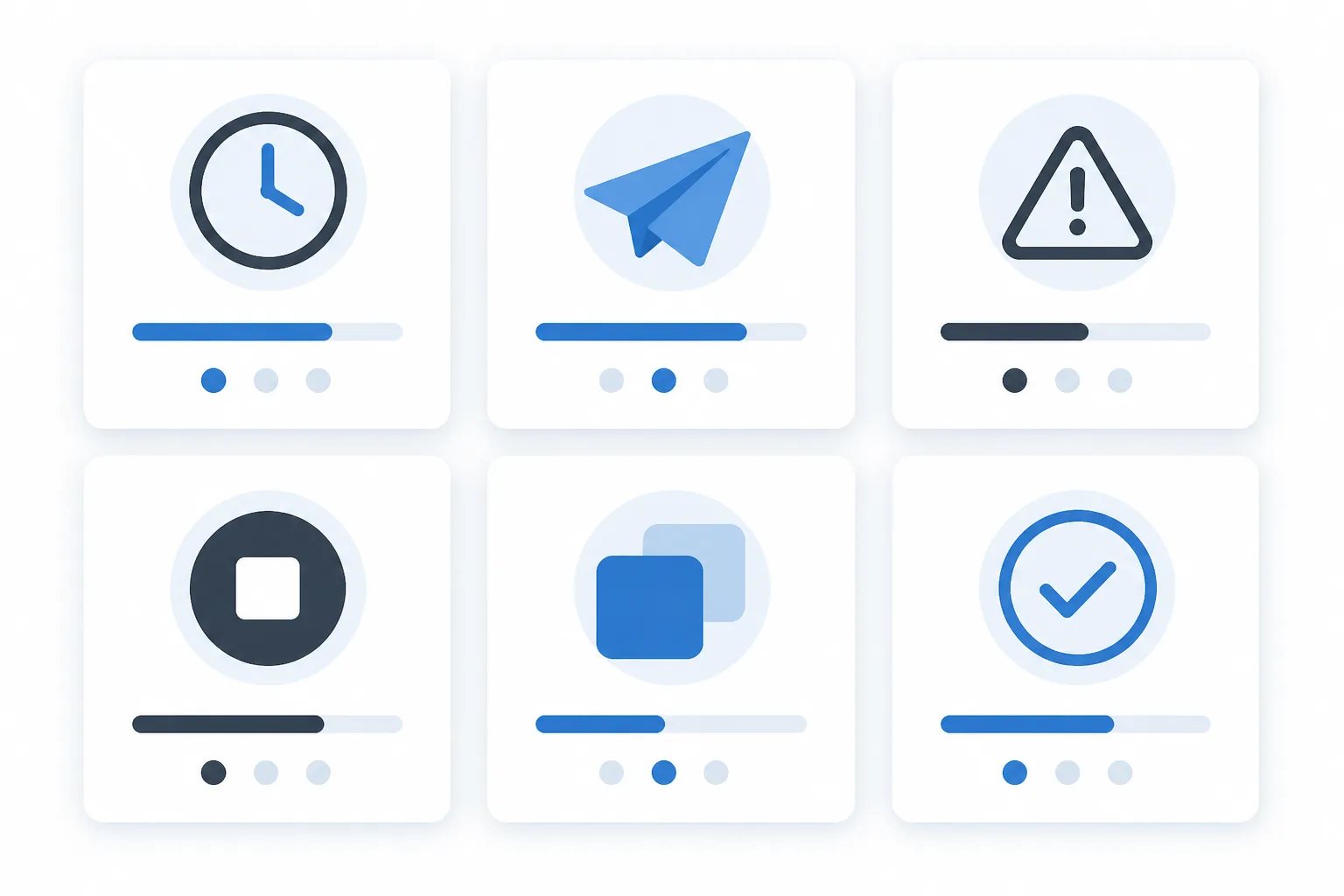
That distinction keeps follow-up measured. A scheduled request is waiting for its delay, so it should not prompt a second manual send. A sent request confirms that the invitation was sent, not that a review is guaranteed. A rejected request can point to an unverified customer-facing sender address. A failed request deserves investigation before you create a replacement invitation.
Our dashboard shows activity for both manual and BCC-triggered requests. We retry temporary sending failures up to three times. If a request permanently fails before being sent, the reserved request is returned to the plan allowance. See our guidance on tracking Google review request status for a practical status-by-status reference.
Build one process customers can understand
A coordinated review-request routine does not require every customer interaction to look the same. It requires a consistent standard: wait for a real completion point, give the customer time to assess the experience, send one recognizable invitation, and respect their response or decision not to respond.
Automation can handle repeatable email-based milestones, while manual requests cover the valid moments that happen elsewhere. When both paths share the same rules for timing, message quality, sender control, and customer choice, review outreach remains organized without becoming intrusive.
Helpful answers
Frequently Asked Questions
Set up a review-request routine that fits your customer communication
Create a free account to configure your review link, timing, approved senders, and request template.