

How to Track Google Review Request Status Without Guesswork
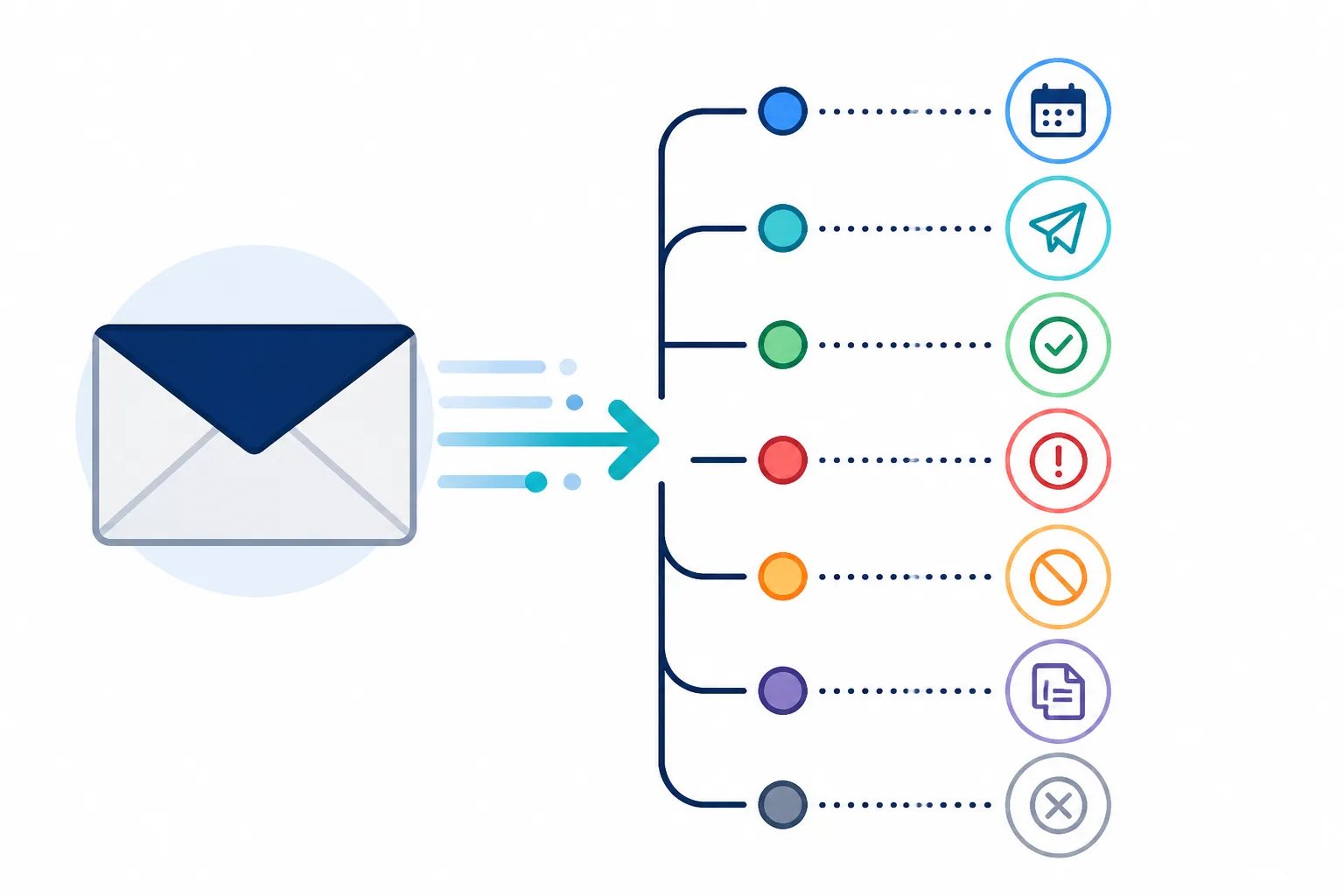
To track Google review request status effectively, check the activity record after sending instead of assuming every request reached the customer. The status tells you whether a request is scheduled, sending, sent, failed, cancelled, skipped as a duplicate, or rejected. Each outcome points to a different next step, from waiting for a planned delay to checking an authorized sender or confirming that a customer should not receive another invitation.
At Revilope, activity tracking gives you one place to monitor manual requests and review requests triggered when an approved sender BCCs a private Revilope address on an eligible customer email. That visibility matters because automation should reduce routine work without making customer communication invisible.
Why review request activity tracking matters
A review request is a separate follow-up, often sent after a saved delay. The original customer email may have been delivered normally even when the review request is still pending, is stopped, or needs attention. An activity record separates those stages so your team can respond to the actual situation rather than send another request just because no review has appeared.
Tracking also helps maintain a more deliberate process. It can reveal whether requests are entering the workflow after appropriate customer milestones, whether a sending address needs verification, and whether duplicate protection or an unsubscribe has stopped a message. The goal is not to create more prompts. It is to make sure each invitation follows a completed, reviewable interaction.
What each review request status means
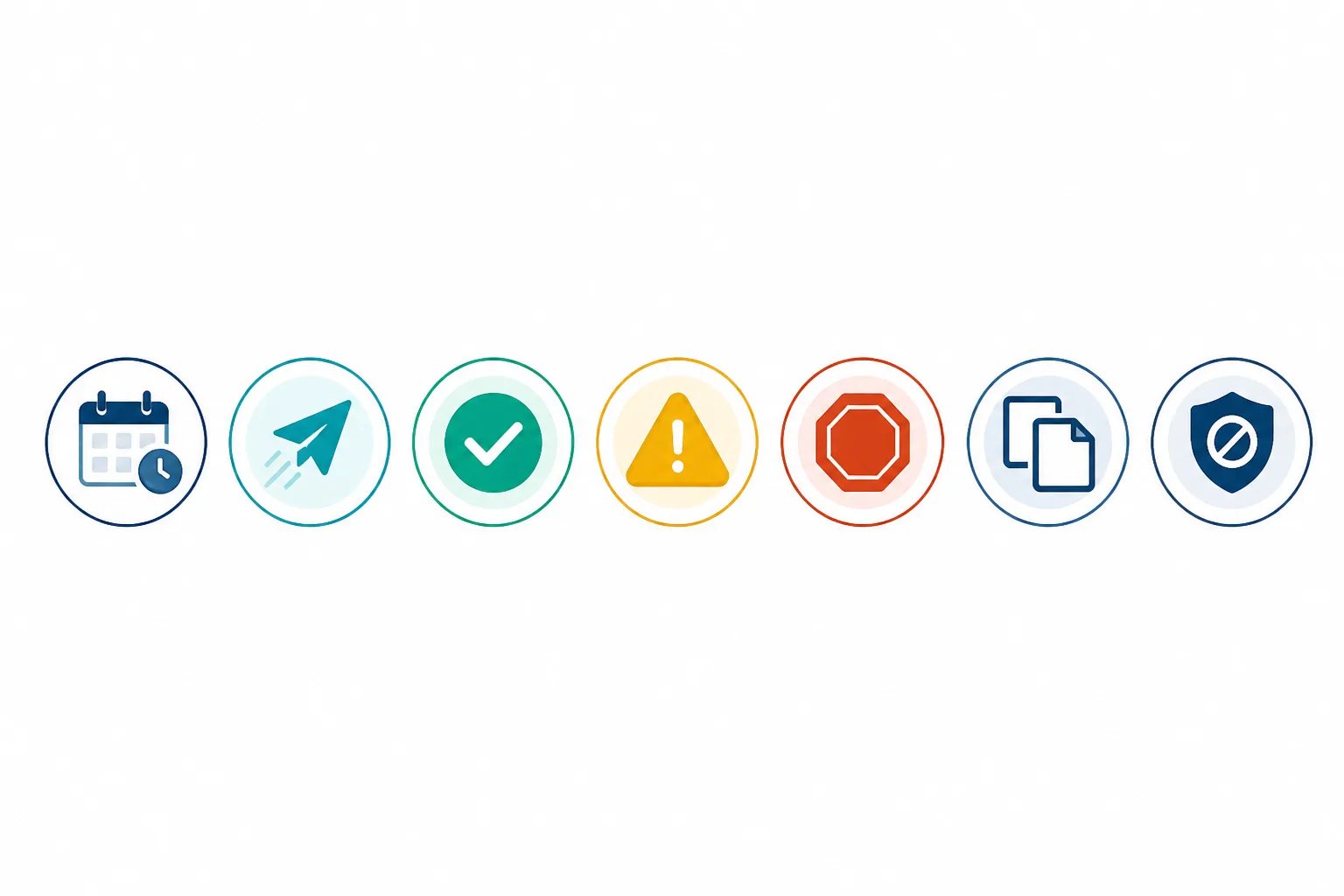
Statuses are most useful when they lead to a practical decision. In our dashboard, these are the key request and sending states to recognize:
| Status | What it indicates | Useful next step |
|---|---|---|
| Scheduled | The request is waiting for the delay saved for that business. | Check that the trigger and delay fit the customer’s completed experience. Avoid creating a second request while the first is pending. |
| Sending | The request is in the process of being sent. | Allow the sending process to finish, then review the resulting status. |
| Sent | The request was sent. | Do not treat this as confirmation of a review. It confirms the invitation was sent, while the customer’s decision to respond remains theirs. |
| Failed | The request could not be sent after processing attempts. | Review the entry and correct the underlying workflow issue before trying again where appropriate. |
| Cancelled | A request that had been waiting will not be sent. | Check whether the customer unsubscribed or whether another workflow change explains the cancellation. |
| Skipped as a duplicate | The customer was already contacted, so another invitation was not sent. | Leave the duplicate safeguard in place rather than sending a repeat request. |
| Rejected | The request was not accepted into the workflow. | Check whether the sending email address has been verified as an authorized sender. |
How to use the activity view after a request
Checking activity does not need to become a lengthy manual task. A short routine after setup changes, new sender approvals, or manual sends can help your team catch problems while the customer interaction is still clear.
Activity review routine
A five-minute check after workflow changes
Use this quick review after you add a sender, change a template or delay, or send manual requests.
- Confirm new requests appear with the expected status.
- Check scheduled entries against the intended customer milestone and delay.
- Investigate rejected requests by reviewing the visible sending address and its authorization.
- Review failed requests before creating another invitation.
- Leave duplicate skips and unsubscribe-related cancellations in place unless there is a clear workflow error.
Scheduled does not mean a request has been sent
A scheduled request is waiting for your chosen delay. That gap is useful when it gives customers time to evaluate a completed service, delivery, repair, or resolved support issue before receiving a review invitation. It also means that a scheduled entry should not be treated as a delivery confirmation.
Before changing a request that is still scheduled, ask whether the trigger email represented a genuine completion point. An order confirmation, appointment booking, or first support reply is often too early because the customer has not yet received the value they are being asked to assess. Our guide to building a Google review request schedule explains how to connect the trigger and delay to a real customer milestone.
If a customer unsubscribes while a Revilope request is waiting, we cancel that queued request and prevent future review-request emails from that business. This is one reason activity tracking is useful: a cancelled status may show that customer preference was honored, not that a technical problem occurred.
What to investigate when a request fails or is rejected
Failed and rejected requests both deserve attention, but they describe different points in the workflow. A rejected request can indicate that the sender email address has not been verified as an authorized sender. In a BCC-triggered process, only approved sending addresses should be able to initiate a review request.
Review the visible sending address, particularly when your team uses aliases or shared mailboxes. The address customers see may differ from the mailbox a staff member uses to read or compose replies. Our guide to authorized sender verification explains why each customer-facing address should be reviewed individually rather than assumed to be eligible because it shares a company domain.
For temporary sending failures, Revilope automatically retries up to three times. If a request permanently fails before it is sent, the reserved request is returned to your plan allowance. Use the activity status first, then make a measured correction. Repeatedly creating new requests before understanding the failure can make the workflow harder to audit and can risk unnecessary follow-up.
Customer preference safeguard
A cancellation can be the correct outcome
When a customer unsubscribes from Revilope review requests, we prevent future requests from that business and cancel any request for that customer that is still waiting to send. A cancelled status can therefore show that the workflow honored a customer’s choice.
Why duplicate and cancellation statuses protect the customer experience
A skipped duplicate is not a missed opportunity. It indicates that the customer was already contacted, helping prevent another invitation from being sent. One relevant request after a completed experience is generally clearer and more respectful than several prompts tied to the same interaction.
Cancellation can matter for the same reason. Every live review request we send includes an unsubscribe option. When a customer opts out, we block future review requests from that business and cancel requests for that customer that are still waiting to send. This preference applies to review-request outreach, not automatically to essential operational messages such as account notices or service updates.
For a closer look at this safeguard, read our guide on managing customer unsubscribes in a review request workflow.
Use activity trends to improve the workflow, not judge customers
Activity tracking shows what happened to an invitation. It does not tell you why a customer did or did not leave a review, and it should not be used to pressure customers for a particular response. Keep the purpose clear: invite honest feedback after a meaningful interaction, then respect the customer’s choice.
Over time, a pattern of rejected requests may show that a new sender or alias has not been verified. A pattern of cancellations or unexpectedly timed scheduled requests may be a reason to revisit the trigger email or the saved delay. Duplicate skips may show that several team members are touching the same customer journey and need one shared rule for when to BCC the automation address.
Manual requests benefit from the same review. When a completed interaction did not produce a suitable customer email, you can add one or more customer email addresses in our dashboard and send requests as soon as possible or with the business’s saved delay. Check the status afterward rather than assuming a manual submission was sent. Our guidance on sending manual Google review requests at the right time covers the same customer-milestone standard.
Keep request tracking simple and consistent
The most useful activity routine is short: review changes, investigate exceptions, and adjust the workflow only when the status points to a real issue. Combined with approved senders, a customer-appropriate delay, clear templates, duplicate detection, and unsubscribe protection, activity tracking helps make each review request intentional from trigger to final status.
For an overview of the BCC-triggered workflow, including how a qualifying customer email starts a separate delayed request, visit Using Revilope.
Helpful answers
Frequently Asked Questions
Put visibility into every review request
Create an account to set up delayed review requests and monitor each request's progress in your dashboard.