

Manual Google Review Request Checklist for Missed Customer Touchpoints
A manual Google review request checklist helps your team turn missed customer touchpoints into thoughtful follow-ups, rather than sending a broad batch of requests at the end of the month. The central rule is simple: send one brief invitation only after a customer has had a real chance to assess the experience.
Manual requests are useful when there is no suitable completion email to trigger an automated follow-up, such as after an in-person visit, phone conversation, or interaction handled in another system. At Revilope, you can add one or more customer email addresses in the dashboard and choose to send each request as soon as possible or use the delay saved for that business.
When a manual request is the right tool
Manual requests are not a replacement for every review-request workflow. They are best for genuine gaps: customers whose completed experience was not followed by an ordinary customer email that could have triggered a delayed request.
Examples can include an in-person customer who shares an email address after a completed visit, a phone customer whose question has been resolved, or a completed interaction managed outside your usual email workflow. They can also help when a team member did not send the normal completion email after a recently finished interaction.
The fact that you have a customer’s email address is not enough reason to send a request. Ask whether the customer could describe the actual experience fairly today. If a delivery is still in transit, a repair has not been tested, or a support solution has not been confirmed, wait for a more meaningful moment.
Use this manual Google review request checklist before sending
Manual sending is most useful when it follows the same decision standard every time. A short shared checklist gives staff a practical boundary and reduces rushed, inconsistent outreach.
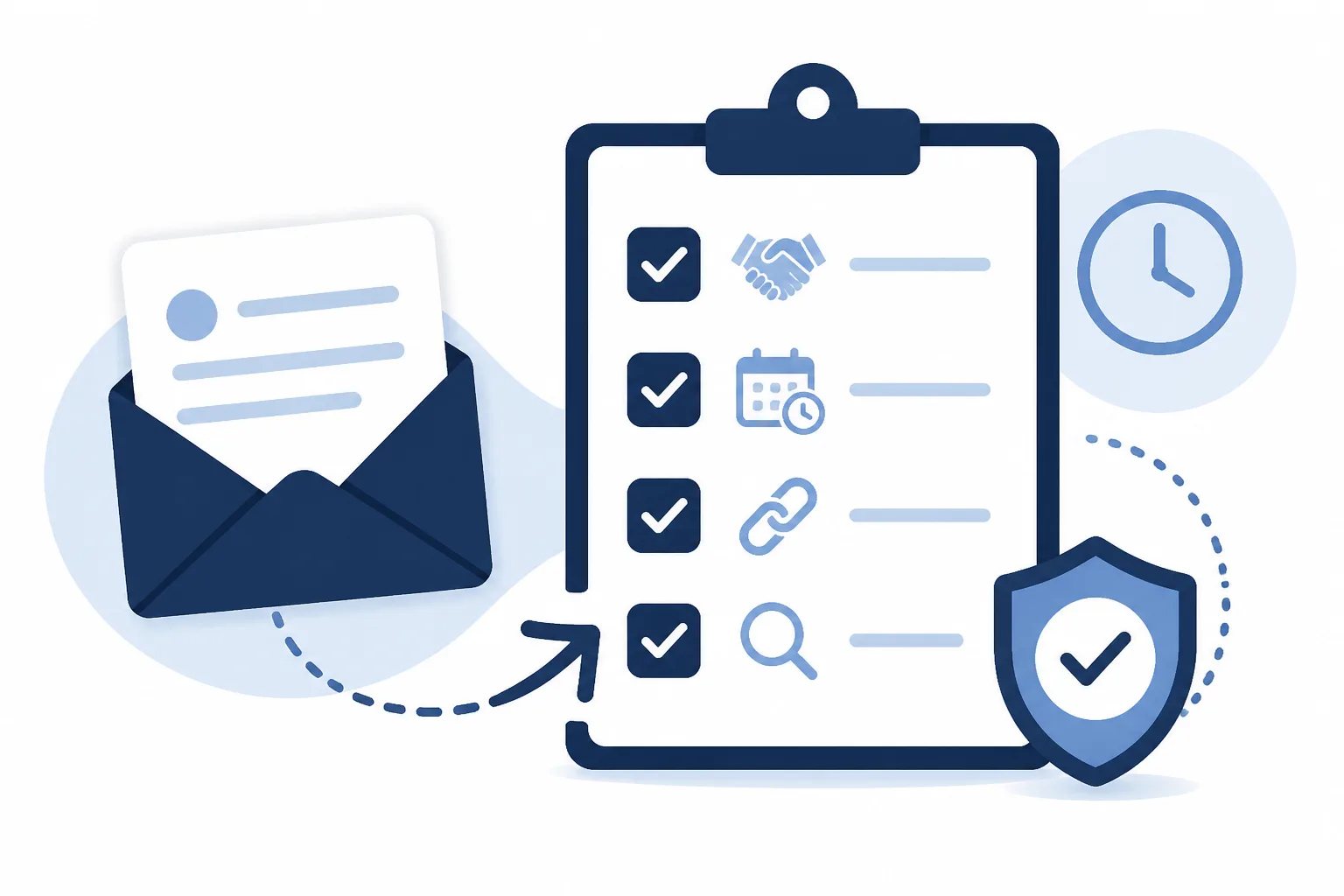
Pre-send checklist
Five checks before adding a customer manually
Use these checks each time a manual request is considered.
- Confirm the customer has completed a reviewable interaction.
- Make sure the customer has had enough time to assess the result.
- Verify the email address belongs to the person who had the experience.
- Check that the correct Google review link and reply-to details are assigned to the business.
- Review activity first to avoid sending another request to a customer who was already contacted or has opted out.
Choose timing based on the customer’s evaluation window
Manual does not have to mean immediate. The right timing depends on when the customer can form an informed opinion, not simply when their contact information was collected.
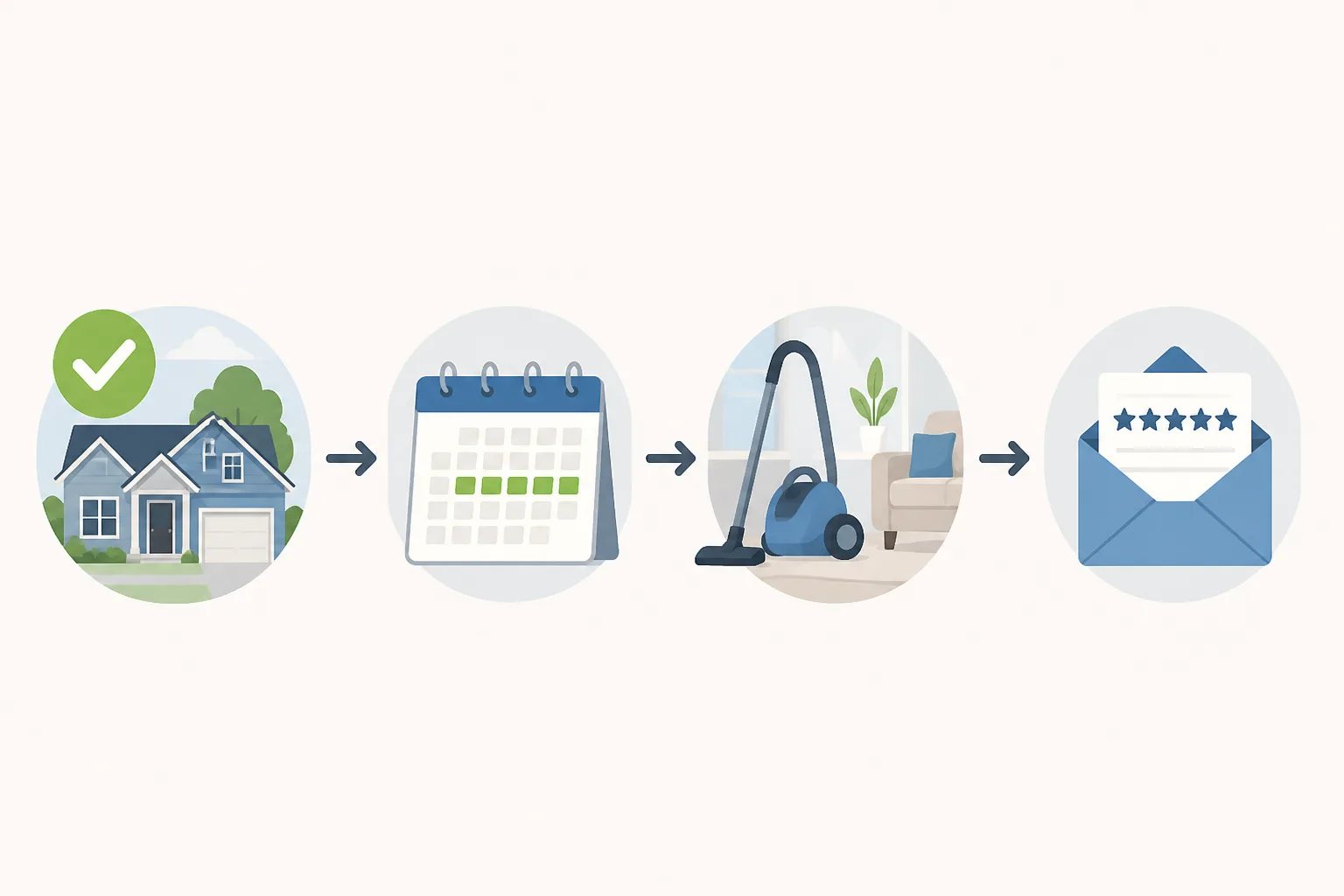
- Completed same-day appointment or service: Sending soon after completion, or after a short delay, keeps the experience fresh without placing the invitation directly alongside the handoff.
- Straightforward completed service or purchase: A delay of roughly 12 to 24 hours often gives the customer breathing room while details are still easy to remember.
- Product, repair, installation, or outcome needing brief use: Allow more time so the customer can assess more than the transaction itself.
- Interaction completed months ago: Treat this with caution rather than as a routine catch-up send. The request can feel disconnected when the details are no longer clear.
In Revilope, manual requests can be sent as soon as possible or with your business’s saved delay. That gives one workflow a way to handle both an immediate, genuinely complete interaction and a situation where the customer needs a little time before reviewing.
Keep the request short, honest, and easy to recognize
A manual request should invite feedback, not try to steer it. The customer needs to know who is contacting them, why the message arrived, and where to leave a review if they choose to do so.
A clear structure is usually enough:
- Thank the customer for the completed interaction.
- Invite them to share their experience or honest feedback.
- Include one direct link to the correct Google review page.
- Provide a clear reply path for customers who would rather contact your business directly.
For example: “Thank you for choosing us. We would appreciate hearing about your experience. If you would like to share feedback on Google, you can use the link below.”
Keep the invitation optional. Do not ask for a specific rating, offer something in exchange for a review, or turn the message into a long explanation of why your business wants reviews. A brief, recognizable template is easier to use consistently and gives the customer room to decide.
Prevent repeat requests and respect opt-outs
One appropriate invitation is clearer than repeated prompts about the same interaction. Before adding an address manually, check whether the customer has already been contacted. This is especially useful when several team members handle the same customer journey or when both email-triggered and manual requests are available.
Customer experience rule
Do not turn manual requests into a catch-up campaign
Manual requests work best as a timely exception for recently completed interactions. Sending a large batch to customers whose experiences happened long ago can make the invitation feel random and gives recipients less useful context for feedback.
Every live review request we send includes an unsubscribe option. If a customer unsubscribes, we prevent future review requests from that business and cancel requests for that customer that are still waiting to send. This preference is specific to review-request outreach; it does not automatically determine whether the customer should receive necessary account, billing, service, or transactional messages.
For a fuller explanation of this safeguard, read our guide on managing customer unsubscribes in a review-request workflow.
Check activity after a manual send
Submitting a request is not the same as confirming it was sent. Review the activity record after manual sends, especially after changing a template, delay, or sender setup. Our dashboard shows whether a request is scheduled, sending, sent, failed, cancelled, skipped as a duplicate, or rejected.
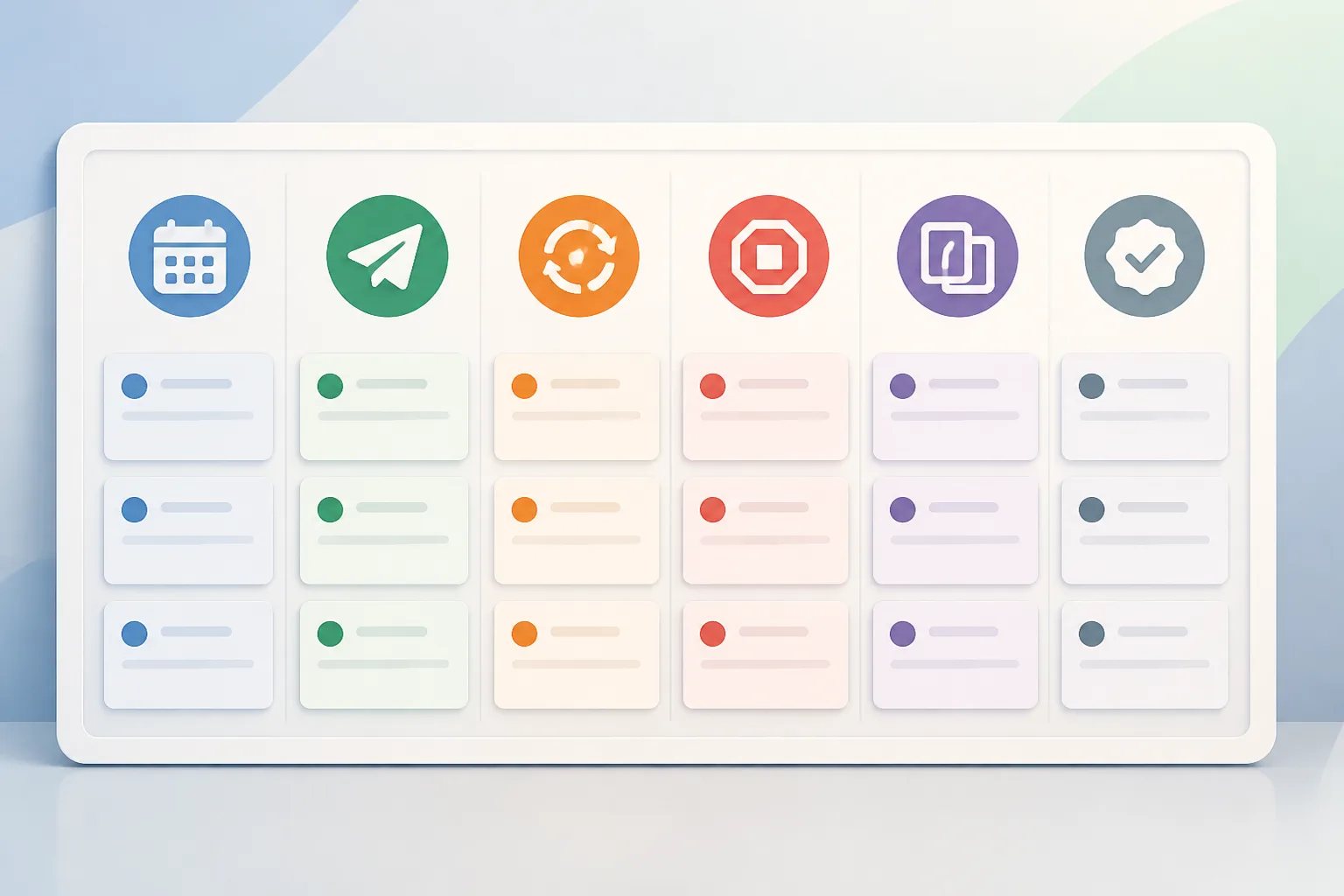
Each status answers a different operational question. A scheduled request is waiting for its delay, while sent confirms the invitation was sent, not that a review was posted. A skipped duplicate means the customer had already been contacted. A rejected request can point to a sending address that has not been verified as an authorized sender, and a failed request should be investigated before creating another invitation.
We automatically retry temporary sending failures up to three times. If a request permanently fails before it is sent, the reserved request is returned to your plan allowance. Our guide to tracking Google review request status explains how to interpret these outcomes without guessing.
Use manual and BCC-triggered requests for different gaps
A practical process does not force every customer interaction into one method. Use manual requests when a recent, reviewable interaction did not produce a qualifying customer email. Use a BCC-triggered follow-up when your usual customer email reliably marks completion.
With our BCC workflow, an approved sender adds a private Revilope address in BCC on an eligible customer email. We process the email-header information needed to identify the sender, customer, and business, then schedule a separate branded request after the saved delay. We do not fetch or read the original email body, attachments, images, or conversation history.
Both methods should follow the same customer-first standard: a completed experience, sensible timing, one clear invitation, and respect for the customer’s choice. Learn more about the broader setup in Using Revilope.
The best manual review request is not the one sent to the largest list. It is the one that arrives shortly after a customer has something real to say, makes responding straightforward, and does not create unnecessary follow-up.
Helpful answers
Frequently Asked Questions
Put thoughtful review follow-ups in one workflow
Create an account to send individual manual requests alongside delayed BCC-triggered follow-ups.