How to Build a Google Review Request Process Your Team Will Actually Use
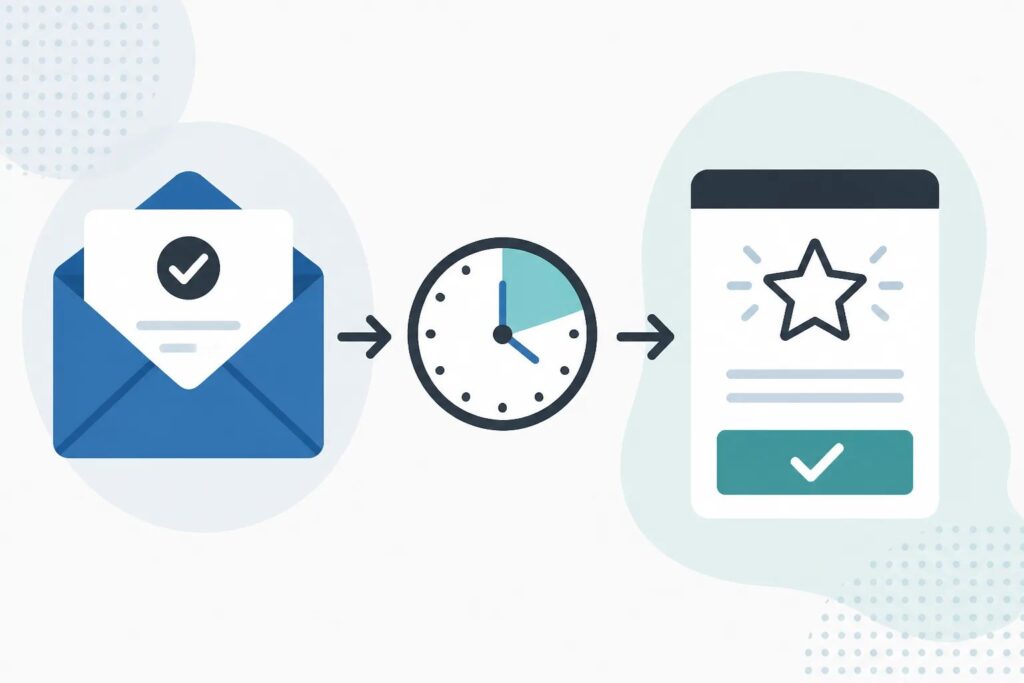
A practical Google review request process starts with the right customer milestone, not a generic reminder. Learn how to create a simple, repeatable workflow that keeps requests timely, clear, and easy for your team to use.
How to Track Google Review Request Status Without Guesswork
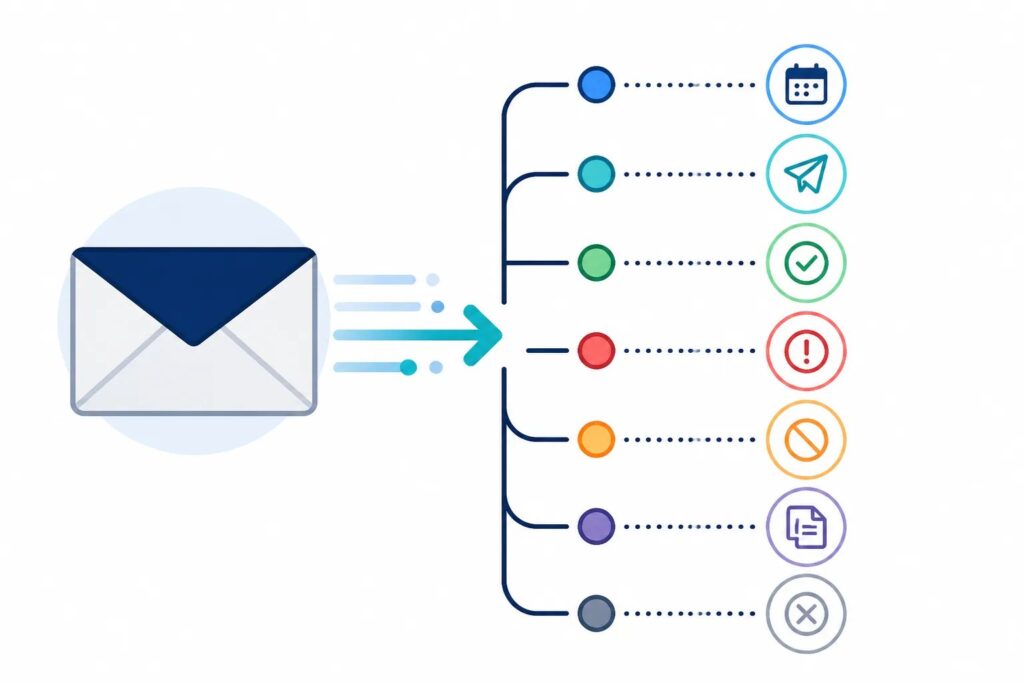
A clear activity history helps you see whether a review request is waiting, sending, sent, stopped, or needs attention. Learn what each status means and how to use it to keep review outreach intentional.
How to Manage Customer Unsubscribes in a Review Request Workflow

A clear unsubscribe process is essential to a respectful review-request workflow. Learn what customers should expect after opting out and how to prevent unnecessary follow-ups.
Why Verify Authorized Senders for Automated Google Review Requests?
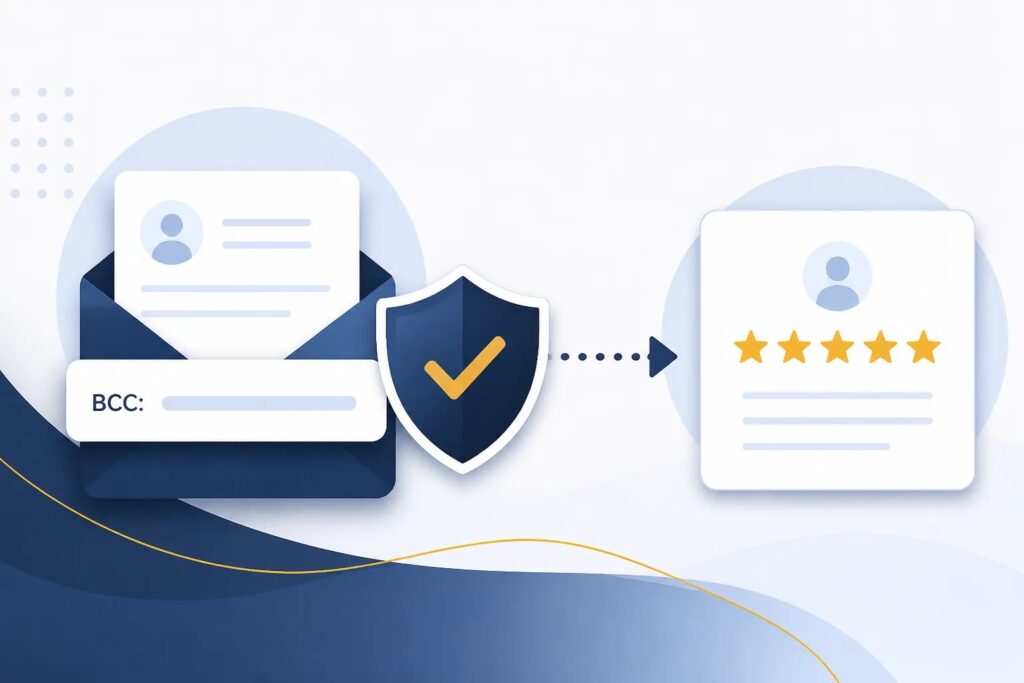
Authorized sender verification helps ensure that only approved customer email addresses can trigger automated Google review requests. Learn what to check before activating a sender and how to maintain control as your team changes.
How to Create a Google Review Request Schedule Your Team Can Follow

A reliable review request schedule starts with a completed customer experience, not a calendar date. Use clear trigger moments, sensible delays, and a consistent team rule to make requests timely and easier to manage.
How to Send Manual Google Review Requests at the Right Time

Manual review requests fill the gaps when a completed customer interaction does not produce the right email for automation. Here is how to choose the moment, write the request, and avoid common mistakes.
How a BCC Review Request Workflow Fits Into Your Customer Emails

A BCC review request workflow lets your team turn the right completion email into a separate, scheduled Google review invitation while keeping the original message focused on the customer.
How to Automate Google Review Requests From Customer Emails

A practical guide to turning completed customer emails into timely, respectful Google review requests without adding another manual follow-up task.
Choosing a Google Review Request Automation Tool: Features to Evaluate Before You Sign Up

A practical checklist for comparing Google review request automation tools, from trigger methods and timing controls to manual sending, privacy, customer opt-outs, reporting, and plan limits.
When to Send a Google Review Request: How to Choose the Right Delay
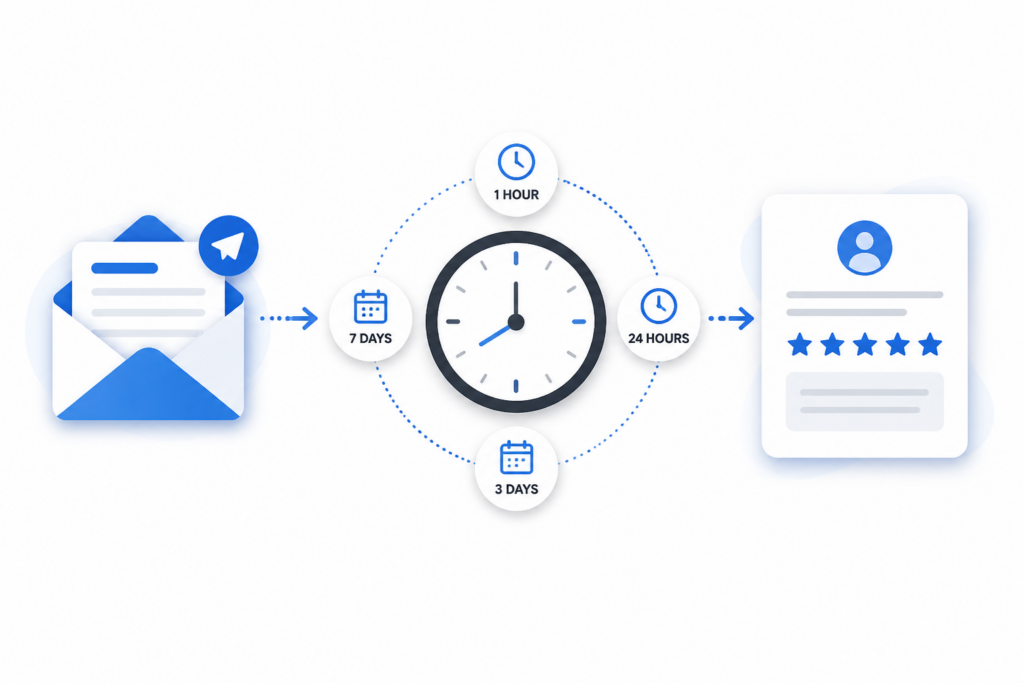
The best review-request delay is based on when a customer can fairly assess the experience. Use this guide to choose between same-day, 24-hour, multi-day, and longer follow-ups.